
How to Turn a Fashion Moodboard into a Creative Brief with Enterall
How a fashion moodboard can become a creative brief in Enterall, step by step, based on what Enterall's own public pages say it does.
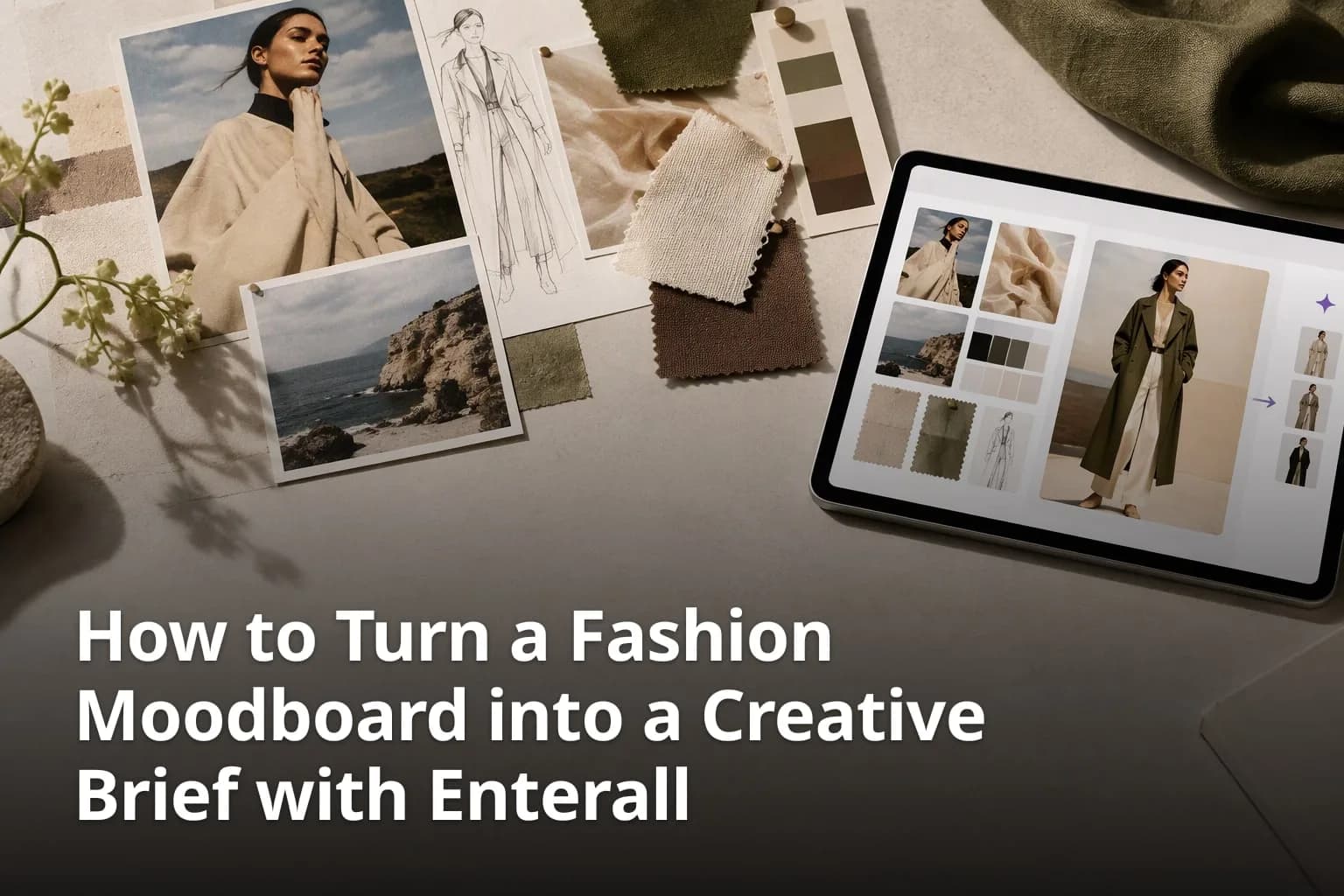
A moodboard shows the direction of a collection, but a factory, a freelancer or a client cannot work from images alone. Someone has to turn the mood into a written brief that says what is being made, for whom, in which colours and materials, and by when. This guide shows how to do that with Enterall, a visual workspace for fashion and apparel designers: how to build a board that is ready to become a brief, how to develop the images with Enterall's AI tools, how a connected AI assistant can draft a brief document from the board, and how to share the result for feedback. Product details are based on Enterall's public pages; the brief structure and planning checklist are suggested working practices.
What are the key takeaways?
- Enterall is a visual workspace for fashion and apparel designers, built around boards that hold references, sketches, colour palettes and notes.
- Its AI image tools can turn sketches into rendered concepts, explore colourways, change materials, combine references and create packshot-style images.
- A connected assistant such as ChatGPT, Codex or Claude can find and read your boards and create private boards and documents through Enterall's MCP connection.
- Collaborators can be invited to work together in real time, or a share link can be enabled and set to view or edit.
- Keep milestones and deliverables in the brief so collaborators can see what needs to happen next.
- The Free plan costs 0 DKK and includes 200 credits, once. AI results can contain errors and should be reviewed before anyone relies on them commercially.
What can you do with a moodboard in Enterall?
In Enterall you can gather references, sketches, colour palettes and notes on one board, develop them with AI image tools, share the board with collaborators, and let a connected AI assistant read the board and create documents. Keep the selected references and the brief together so people can trace a written decision back to its visual source.
Enterall describes itself on its home page as "The visual workspace for apparel and fashion teams", and its FAQ answers the question of who it is for with: "Enterall is a visual workspace for fashion and apparel designers, from independent creatives to teams." The headline on the home page is "From sketch to tech pack." and the line under it reads "Colourways, scenes and fits, without a sample round." Both lines are Enterall's own wording and describe its aim, not a measured result for any user.
The home page also lists six stages of a workflow: bring a sketch to life, change colour and material, refine the length and details, create a tech pack, see it on a model, and create the packshot. A moodboard sits at the start of that line. The brief is the document that carries the decisions from the board to the people who will make, photograph or sell the garment.
How do you build a moodboard that can become a brief?
Put the references, sketches, colour palettes and notes for one project on one board, group them by theme, and write the intent next to the images. A board that explains itself is the best raw material for a brief, whether you write the brief yourself or ask an assistant to draft it.
1. Create one board per project
Open Enterall in the browser and create a board for the collection, capsule or campaign you are working on. One board per project keeps the references, the generated variations and your notes in one place, so the brief draws on a single source.
2. Upload your own references
Upload sketches, product photos and reference images to the board. Enterall's FAQ says you can use them as the starting point for your work, and that you retain your rights to the images you upload. Use your own material wherever you can, because the AI tools work from the starting point you give them.
3. Add colour palettes and notes
Keep colour palettes and written notes next to the images. Enterall describes the board as the place where references, sketches, colour palettes and notes come together. Write the intent while it is fresh: the season mood, the customer, the price level you have in mind, the things you do not want.
4. Group the images by theme
Arrange the images by silhouette, fabric, colour and finish. A colleague, a client or an assistant reading the board should be able to see the direction without a separate briefing.
5. Mark your decisions
When you choose between two options, write the choice and the reason beside the image. These short notes become the rationale section of the brief, and they spare you from reconstructing the reasoning weeks later.
None of this depends on a special feature. It is a habit that makes any board easier to turn into a document, and it matters even more when an AI assistant reads the board, because the assistant can only work from what is on it.
How do you develop the moodboard with Enterall's AI tools?
Add a reference or sketch to the board and describe in plain language what you want to create or change, such as trying a new colour or changing a fabric. Enterall says no AI experience is required and that you can get started in your browser.
1. Choose a starting image
Pick the sketch, product photo or reference you want to develop. Choose the one that already has the silhouette you like, so the tool has something specific to work from.
2. Describe one change at a time
Write what you want in everyday words. Enterall's own examples are trying a new colour or changing a fabric. Asking for one change at a time makes it easier to see which instruction produced which result.
3. Explore colourways and materials
Enterall's FAQ lists exploring colourways and changing materials among the things its AI tools can do. Use the palette on your board as the reference for the colours you name, so the options stay inside the direction you set.
4. Combine references
Enterall also lists combining references. This helps when one image holds the silhouette you like and another holds the texture or colour mood.
5. Edit a single detail
Enterall says you can edit an existing image to develop a specific detail or try another direction. Use this for a collar, a hem or a print placement instead of starting from scratch.
Credits are spent on this AI work. Enterall says how many you use depends on the tool and the output you choose. The plans and credits are covered further down, and it is sensible to try your own references on the Free plan before you plan a whole collection around the tools.
The home page also names the steps "Create a tech pack", "See it on a model" and "Create the packshot". The pages read for this guide do not describe what a tech pack contains or how those steps work in detail, so test them with a real garment and ask Enterall at hello@enterall.co if your factory needs specific content in a tech pack.
What should a creative brief built from a moodboard contain?
A brief should state the goal, the audience, the visual direction, the deliverables and the practical limits, and it should point back to the images that justify each choice. The list below is general advice for any creative brief, not a feature of Enterall.
Which sections make a brief usable?
- Project name and purpose: what is being made and why, in two or three sentences.
- Audience: who will wear or buy it and where they will see it.
- Visual direction: the colour palette, key materials and silhouettes, with the board images that show them.
- Deliverables: the sketches, colourways, product images or other outputs you expect, and in what form.
- Constraints: budget, quantities, sustainability requirements or materials that are off limits.
- Timeline: the dates for review rounds and the final delivery, written out in the brief.
- Roles: who decides, who gives feedback and who delivers.
- Open questions: what is still undecided and who will decide it.
Keep the brief short enough that people read it. One page with links or image references back to the board is usually better than a long document that nobody opens. Write the timeline as explicit dates and name the person responsible for each milestone.
How can an AI assistant draft a brief from your board?
Enterall offers an MCP connection that lets ChatGPT, Codex or Claude find and read your boards and create private boards and documents. A brief document is one thing you can ask such an assistant to draft from a board you select, then review and edit yourself.
The current MCP guide describes finding and reading boards, creating private boards, working with documents, organizing references and developing images. It includes a creative brief as an example document request. A free Enterall account is required. Connecting and using board, canvas, document and collaboration tools is free; image generation and editing use your existing Enterall credits. Your assistant provider may have its own plan requirements or usage limits.
1. Add the connection in your assistant
In your client's connector settings, add a remote MCP connection named Enterall and use the server URL https://mcp.enterall.co/mcp. Choose OAuth or the client's sign-in option, then sign in to Enterall and review the permissions the connection asks for. Enterall notes that availability depends on your client and its account settings.
2. Start by finding your boards
Enterall suggests starting with the request "Find my Enterall boards." and selecting a board before requesting changes. Select the board that holds the references for the project.
3. Ask for a draft brief
Ask the assistant for a brief based on the references and notes on that board. Name the sections you want, for example the list in the previous section, and say who the brief is for. This is a suggested way to use the connection, not a described one-click function, so read what the assistant proposes carefully.
4. Approve changes deliberately
Enterall says your client may ask you to approve changes, sharing or credit-based image operations, and that you should review those requests before allowing them. Do not approve a change you have not read.
5. Edit and check the draft
Treat the result as a first draft. Check every statement of fact against your own board and notes, such as materials, quantities and dates. The terms say AI results may contain errors, may resemble other outputs, and do not guarantee accuracy, exclusivity or suitability for a particular use.
6. Disconnect when you are done
You can revoke the connection at any time in Enterall Settings under Connected apps. The terms add that revoking a connection does not delete your Enterall account or the content you created.
The direct connection is available to compatible clients, subject to their plan and organization settings. Third-party clients have their own terms and privacy policies, so read how the assistant you use handles the content you give it. Use the current setup instructions at https://enterall.co/docs/mcp if your client's settings differ from these steps.
How do you share the board for feedback?
Invite collaborators to work together in real time, or enable a share link for the board. Sharing settings let you choose whether people with the link can view or edit it. Enterall's home page also says you can keep your ideas together in Enterall and share the board with your team for feedback.
What should you decide before you share?
- Who needs to edit, and who only needs to look. Choose view or edit for the share link accordingly.
- Whether the board contains anything you do not want a recipient to keep, such as unfinished ideas or third-party images.
- Whether the brief, the images or both are meant for the reader.
- How feedback will come back, who will collect it, and who makes the final decision.
Enterall's terms give a useful warning here: content made available to collaborators, public viewers or connected applications may be received or copied by those recipients, and removing access prevents future access through that connection but does not remove copies already held by a recipient. Share with that in mind.
Images can be downloaded from your board for use in your wider design workflow. Agree with the client on the delivery format, and include the selected images and the brief's written decisions so the visual direction has enough context.
How do you plan the schedule for a brief?
Write the milestones into the brief as dates and keep the live schedule in the calendar or project tool your team already uses. This suggested planning practice keeps deadlines visible alongside the visual direction.
1. List the milestones
Write down the review rounds, the sample or image deadlines and the final delivery date, in the order they happen.
2. Work backwards from the delivery date
Place each milestone with enough time for feedback and corrections, and note who has to act before it.
3. Put the dates in the brief
The brief is the document everyone has. Include the dates there so nobody has to look for them, and link or reference the board for the visuals.
4. Keep the schedule in one place
Keep one live schedule in your usual calendar tool and refer to it from the brief, so the dates do not drift apart across documents.
What do the plans and credits cost?
Enterall's pricing page says credits power all AI work and shows a Free plan at 0 DKK with 200 credits, once; Starter at 150 DKK per month with 1,000 credits a month; Pro at 500 DKK per month with 6,000 credits a month; and Enterprise as custom. The page also offers USD and EUR.
The pricing page says Starter and Pro renew monthly and unused credits do not roll over. Actual image output depends on the tools and settings you choose. Check https://enterall.co/pricing for the current price, currency, allowances and output estimates before you decide. The Enterall connection itself is free to use while image work costs credits; your assistant provider may charge separately.
What do the terms say about your content and AI results?
Enterall says you keep your rights to the images you upload, that it does not claim ownership of your generated images, and that it does not use your images to train AI models. Its terms also say AI results may contain errors, so review them before relying on them or using them commercially.
On its home page Enterall states: "We don’t use your images to train AI models, and our AI providers don’t train on them by default." The terms add that relevant content is sent to AI providers to perform the operations you request. For a fashion team this means two practical rules: do not upload images you have no right to use, including images of other people and third-party designs, and have a human check every AI-generated image and every drafted sentence before it reaches a client.
On privacy, Enterall's pages say analytics cookies from Google Analytics and PostHog are optional and include session replay, with text and inputs masked and board images possibly visible, and that you can continue without them. The legal page says Enterall does not sell personal data.
How should you review the brief and the images before sending them?
Check the brief against the board, check every AI image against your sketch or sample, and ask a second person to read both before the client sees them. The checklist below is general practice, not an Enterall feature.
What can you check before you send?
- Do the colours in the brief match the palette on the board, and are they named the same way everywhere?
- Do generated images respect the silhouette, proportions and details of your sketch?
- Are materials described in the brief the ones you can actually source?
- Is every date, quantity and name in the brief correct?
- Does the brief say which images are AI explorations and which are final or approved?
- Are the images and references you used yours to use?
Keep a short note on the board of which variation you chose and why. It helps the next person who opens the board and gives you a starting point when the client asks why one option was dropped.
Is Enterall the right fit for this workflow?
Enterall is a reasonable fit if you want references, AI image exploration, sharing and an assistant that can draft documents from your board in one browser-based workspace. Test the workflow with a small project and check that the resulting brief and delivery format suit your team.
The best way to find out is to try a real project on the Free plan. Enterall says you can create an account without a credit card and that the Free plan includes AI credits so you can try the tools with your own ideas. Bring one real moodboard, make a few colourway and material changes, connect an assistant, and see whether the draft brief saves you effort. Ask whether the tech pack output contains what your factory needs, whether the images match your sketches closely enough, and whether your team is comfortable with the sharing settings. Contact hello@enterall.co with questions the public pages do not answer.
Frequently asked questions
These short answers are based on Enterall's own public pages.
Can a moodboard in Enterall be turned into a brief?
According to the MCP page, a connected assistant such as ChatGPT, Codex or Claude can find and read your boards and create private boards and documents. A brief is one kind of document you can ask the assistant to draft from a selected board, then review and edit yourself.
How should I track deadlines and deliverables?
Write milestones, owners and delivery formats in the brief, and keep the live schedule in the calendar or project tool your team uses. Link back to the board for the visual references.
Can I share a board with a client?
Yes, in the sense that Enterall lets you invite collaborators to work in real time or enable a share link, and sharing settings let you choose whether people with the link can view or edit. The terms warn that recipients may copy what is shared with them.
Is it free to try?
According to the home page, you can create an account without a credit card. The pricing page shows a Free plan at 0 DKK with 200 credits, once, and says no payment is needed.
Are my images used to train AI models?
According to Enterall's home page, your images are not used to train AI models and its AI providers do not train on them by default. You also retain your rights to the images you upload.
Can I trust AI-generated images and drafts without checking them?
No. Enterall's terms say AI results may contain errors, may resemble other outputs and do not guarantee accuracy, exclusivity or suitability for a particular use, and that results should be reviewed before relying on them or using them commercially.
Create a free account at enterall.co (no credit card needed) and try one real moodboard on a board, from references to a first draft brief.
What are the sources?
Every statement about Enterall in this article comes from Enterall's own public pages, last read in October 2026. Prices and plans can change, so confirm them on the pricing page.
Which pages were used?
- Enterall home page: https://enterall.co/
- Enterall pricing: https://enterall.co/pricing
- Enterall MCP guide: https://enterall.co/docs/mcp
- Enterall terms of service: https://enterall.co/terms
- Enterall legal and security overview: https://enterall.co/legal
- Enterall privacy policy: https://enterall.co/privacy
- Enterall about page: https://enterall.co/about