
How to Organize Design References and Projects: Enterall, Miro, Figma and Kive Compared
A comparison of Enterall, Miro, Figma and Kive for organizing design references and projects, based on what each tool says on its own public pages.
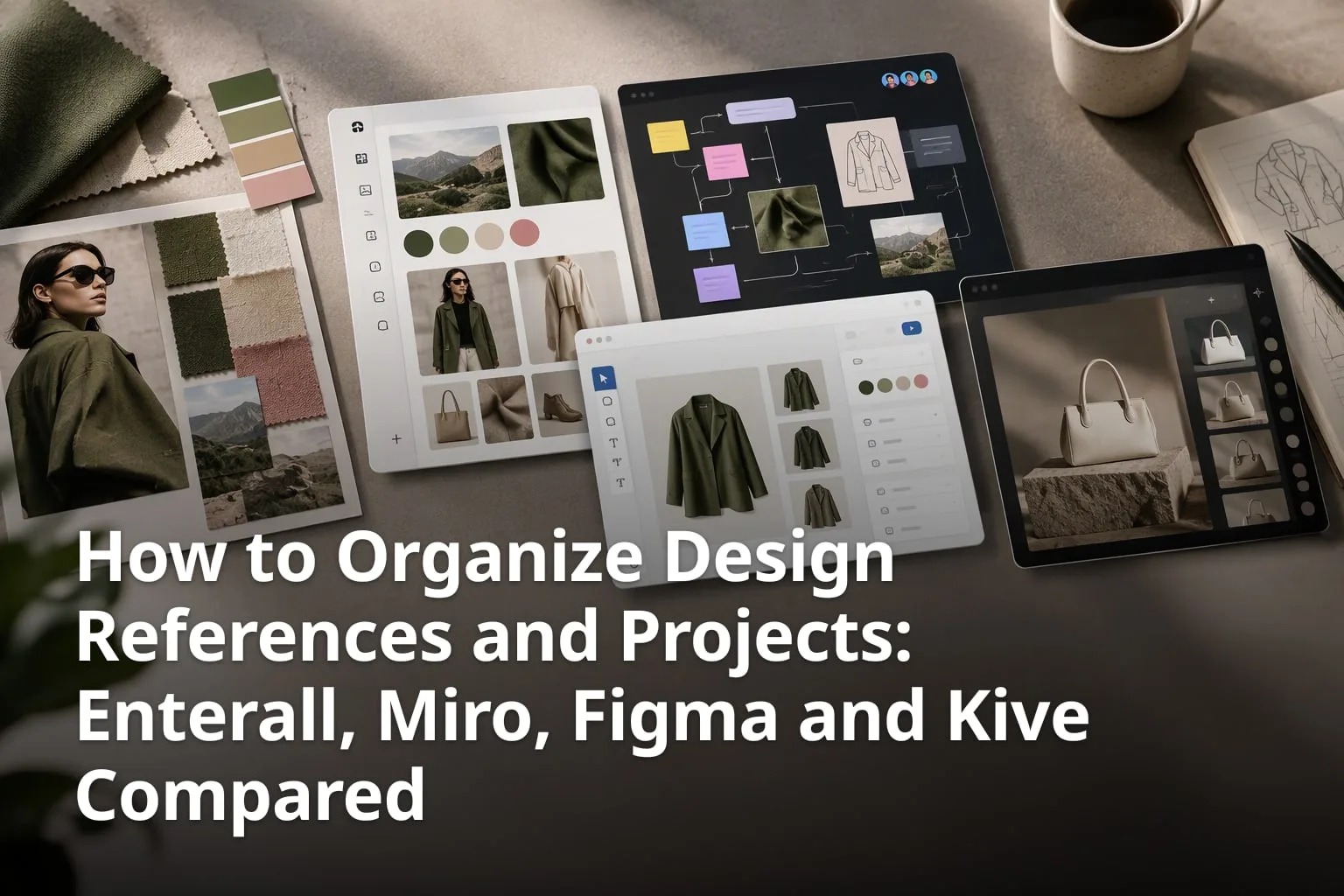
Designers collect references, sketches, drafts and client feedback across many projects at once, and where those things live decides how easily a project can be picked up again. This article compares four tools people use for that job: Enterall, Miro, Figma (including FigJam) and Kive. Enterall publishes this article, so it describes Enterall most closely. Statements about each tool come from that tool's own public pages and were current in November 2026. Features, plans and prices change, so check each tool's own site before you decide.
How do Enterall, Miro, Figma and Kive compare at a glance?
The four tools start from different places. Enterall describes itself as "The visual workspace for apparel and fashion teams". Miro's homepage describes a workspace "where your team and AI think, plan, and build together". Figma's homepage title calls it "The collaborative canvas for design, code, and AI", and Kive's page title calls it "AI Product Photography for Consumer Brands".
The table below summarizes what each tool says about itself on its own pages. It is a summary of published descriptions, not a hands-on test.
Read across a row and the differences are mostly about the starting point. Enterall begins with a board of sketches and references for apparel work. Miro and FigJam begin with a team canvas. Kive begins with product photos and turns them into new product visuals.
| Feature | Enterall | Miro | Figma | Kive |
|---|---|---|---|---|
| Stated focus | The visual workspace for apparel and fashion teams | A workspace where your team and AI think, plan, and build together | The collaborative canvas for design, code, and AI | AI product photography for consumer brands |
| References and boards | Boards that hold references, sketches, color palettes and notes | One multiplayer canvas, with Docs, Tables, Slides and Diagrams | FigJam, a digital whiteboard, alongside Figma Design | A library and boards, with up to 5 boards on the Free plan |
| AI image tools | Sketches to rendered concepts, colorways, material changes, packshot-style images and image editing | AI Design Generator for visual layouts and interface concepts | Image editing with the Figma agent, plus Weave workflows to generate images and vectors | Product shots and videos from your own products, plus AI editing |
| Sharing and collaboration | Invited collaborators in real time, or a share link set to view or edit | A multiplayer canvas shared with your team | FigJam comments, audio and live chat | Comments and review on any asset, link sharing and invited team members |
| AI assistants and agents | Connects to ChatGPT, Codex and Claude through MCP | An MCP server, listed in its product menu | A built-in Figma agent | An MCP server that works with ChatGPT, Claude, Cursor and other clients |
| Free start | Free plan with 200 credits, given once; no credit card needed | Sign-up with no credit card needed | Get started for free | Free plan with 40 credits after email verification and up to 5 boards |
What are the main differences between the four tools?
- Enterall is aimed at apparel and fashion teams, and its AI tools are described around sketches, colorways, materials and pack shots.
- Miro and FigJam are team canvases and whiteboards; Miro lists 6,000+ templates and FigJam lists over 300 ready-made templates.
- Figma covers design and prototyping in Figma Design, plus FigJam, Figma Slides, Figma Draw and Figma Weave for AI workflows.
- Kive concentrates on product photography and brand visuals, with presets, a library and an agent that creates and edits images.
- All four describe a way to work with an AI assistant or agent, so the useful question is which kind of work that AI supports.
What is Enterall and who is it built for?
Enterall calls itself "The visual workspace for apparel and fashion teams". Its FAQ describes it as a visual workspace for fashion and apparel designers, from independent creatives to teams. You bring references, sketches, color palettes and notes together on a board, then develop and visualize ideas with AI image tools on the same board.
The homepage headline is "From sketch to tech pack." and the line under it reads "Colourways, scenes and fits, without a sample round." The workflow it lays out has six steps: bring a sketch to life, change color and material, refine the length and details, create a tech pack, see it on a model, and create the packshot. The AI image tools can turn sketches into rendered concepts, explore colorways, change materials, combine references, build outfits and create packshot-style images, and you can edit an existing image to develop a specific detail or try another direction. Images can be downloaded from a board for use in your wider design workflow.
Enterall's documentation describes boards as a place to collect images, add text and documents, and arrange references on the canvas. Enterall also describes documents, tables, calendars and presentations that connect to board material, so the move from references to a brief or a review can stay close to the images that informed it. Enterall can be connected to ChatGPT, Codex and Claude through MCP. According to its MCP guide, a connected assistant can list and search boards, find images and documents, add text and images, create frames, group content, create documents, generate or edit images on the canvas and add comments to board shapes. Sign-in uses OAuth, the connection acts within the permissions you grant, and you can revoke it in Settings under Connected apps. Board, canvas, document and collaboration tools are free to use through the connection, while image generation and editing use credits.
Enterall's pricing page, with prices shown in DKK, lists a Free plan at 0 DKK with 200 credits, given once, Starter at 150 DKK per month with 1,000 credits a month, Pro at 500 DKK per month with 6,000 credits a month, and Enterprise with custom pricing. Unused credits do not roll over, and the page says VAT is not currently charged. If all of the Free credits were spent on one output type, the page estimates about 18 standard images, and it says actual use varies. An account can be created without a credit card.
What does Enterall include?
- Boards for sketches, product photos and reference images, with color palettes and notes.
- AI image tools for rendered concepts, colorways, material changes, outfits and packshot-style images.
- Documents, tables, calendars and presentations that connect to board material.
- Invited collaborators who work in real time, or a share link set to view or edit.
- A connection to ChatGPT, Codex and Claude through MCP.
- A Free plan that does not require a credit card.
How does Enterall handle uploaded images and ownership?
Enterall says you keep your rights to the images you upload and that it does not claim ownership of your generated images. Its homepage also says: "We don’t use your images to train AI models, and our AI providers don’t train on them by default."
Two further details matter when you upload client work. Enterall's terms and MCP guide say that relevant text and images are sent to the AI providers needed to fulfill an AI request. Enterall's terms also say that content made available to collaborators, public viewers or connected applications may be received or copied by those recipients, so sharing settings deserve a careful look. In addition, the optional analytics choice on the site includes session replay, in which text and inputs are masked but board images may be visible. Anyone working under a client confidentiality agreement should read Enterall's privacy policy and its legal and security overview before uploading.
How does Miro compare to Enterall for graphic designers?
Miro is a general team canvas rather than a tool aimed at one design discipline. Its homepage says "Where your team and AI think, plan, and build together, in a workspace that works the way you do", and it lists Research, Roadmap & Planning, Diagrams and Workshops as use cases.
Miro's homepage describes "one, infinite, multiplayer canvas" and says teams can "work with Docs, Tables, Slides, Diagrams and more". It lists 6,000+ templates and shows an MCP server in its product menu. Its AI Design Generator page says it can "Transform product concepts into visual layouts instantly to fast-track your discovery phase", and describes helping product teams co-create user interface layouts and visual concepts.
On security, Miro's homepage shows ISO 27001 certified, SOC 2 compliant and GDPR compliant badges. Those are Miro's own statements. Its Miro versus Figma page also says "Designers can now easily add Figma frames to Miro boards", which matters for designers who work in both tools.
For a fashion or apparel team, the practical difference is the starting point. Enterall starts from a board of sketches and references with image tools attached. Miro starts from a team canvas and a template library, and lists workshops, planning and diagrams among its use cases. A team can also use both, one for developing designs and one for planning around them.
What are the key points on Miro?
- A team canvas with 6,000+ templates.
- Docs, Tables, Slides and Diagrams alongside the canvas.
- An AI Design Generator for visual layouts and interface concepts.
- An MCP server shown in its product menu.
- ISO 27001 certified, SOC 2 compliant and GDPR compliant badges on its homepage.
- Homepage use cases: Research, Roadmap & Planning, Diagrams and Workshops.
What does Figma offer for organizing design projects?
Figma describes itself as "The collaborative canvas for design, code, and AI", and its product menu lists Figma Design, Figma Make, Figma Weave, FigJam, Figma Slides and Figma Draw, among others. For organizing references the relevant piece is FigJam, while design files live in Figma Design, which the menu describes as "Design and prototype in one place".
Figma calls FigJam "The Online Collaborative Whiteboard for Teams". Its page lists over 300 ready-made templates, audio and live chat, and comments for feedback. Its AI features include creating meeting templates and visualizing timelines from a prompt, and sorting stickies into themes.
On AI, Figma's AI page says its agent can "generate new design directions, create diagrams, edit images, search your files, and more", and that Weave offers pre-built AI workflows "to generate images and vectors directly in Figma". Image editing is also a named feature. Figma's pages present these image tools as general creative workflows. Enterall's are described around apparel work such as colorways, material changes and pack shots.
What are the key points on Figma?
- Figma Design for design and prototyping, Figma Draw for vector illustration and Figma Slides for presentations.
- The FigJam whiteboard, with over 300 ready-made templates.
- Comments, audio and live chat in FigJam.
- A Figma agent, and Weave AI workflows that include image editing and image generation.
What is Kive and how does it organize visual assets?
Kive is an AI product photography tool for consumer brands. Its homepage says "Create stunning product shots and brand visuals in seconds" and lists Fashion & Apparel, Skincare, Personal Hygiene and Furniture among the products it shows. Its features page describes turning your ideas and products into images and videos.
Organization is part of the product. Kive's features page lists a library described as "One central home for every visual asset your brand creates and collects", AI search, collaboration with comments and review on any asset, version history that lets you restore any previous version, a prompt library and AI editing such as removing backgrounds, upscaling and replacing objects. Curated presets are hand-picked visual styles, and custom presets let you reuse a style across visuals.
Kive's pricing page lists a Free plan with 40 credits once you verify your email and up to 5 boards. Basic is listed at $40 per month with 2,000 credits, and Pro starts at $100 per month with 5,000 credits. The page also shows a Black Friday offer on yearly billing until December 1, so check the page for the current price. Paid plans include a collaborative workspace, link sharing, invited team members and MCP for Claude and ChatGPT.
The overlap with Enterall is fashion and product imagery, since both turn existing images into new visuals. Kive's emphasis, as its pages describe it, is on producing product shots and brand visuals for brands that need many visuals of their own products. Enterall's emphasis is on developing apparel designs from sketches and references on a shared board.
What are the key points on Kive?
- AI product shots and brand visuals, plus videos, made from a brand's own products.
- A library, boards, AI search, comments and version history.
- Curated and custom presets for reusing a visual style.
- A Shopify app, and an MCP server for AI assistants.
- A Free plan with 40 credits after email verification and up to 5 boards.
How should designers organize references, whichever tool they use?
Organize by project first and by theme second, and record where every reference came from. A tool helps, but a consistent habit matters more than any single feature, because a well-kept board in any of these tools is more useful than an untidy one in a more capable tool.
Start each project with a short brief at the top of the board or folder: the goal, the audience, the deadline and any constraints. Everything you add afterwards can be judged against that brief, which makes it easier to decide what stays and what goes. When a client joins later, the brief also gives them the context in a few lines instead of a long thread.
Group references by what they teach you, such as color, silhouette, material, mood or layout, rather than by the date you found them. A date is rarely what you search for six weeks later. Keep your own sketches and iterations next to the references that inspired them, so the path from idea to result stays visible and a reviewer can see why a choice was made.
Write down the source of each reference and whether you may reuse it. Inspiration is free to collect, but a client deliverable needs images you have the right to use, and it is much easier to note this when you save an image than to reconstruct it at the end of a project.
What is a simple routine for organizing references?
- Create one board or folder per project, named with the client, season or campaign.
- Add a short brief at the top with the goal, audience, deadline and constraints.
- Group references by theme, such as color, silhouette, material, mood or layout.
- Note the source of every reference and whether you may reuse it.
- Keep iterations beside the references that inspired them.
- Mark decisions: what was chosen, what was rejected and why.
- Archive finished projects, but keep the final files and the decision notes.
Review the board at the end of each week. Remove duplicates, merge near-identical references and move finished work out of the active area. A short weekly tidy keeps a board usable, while a board that is never pruned becomes another place where things get lost.
How do you choose between Enterall, Miro, Figma and Kive?
Choose by the work you do most, based on how each tool describes itself. Fashion and apparel designers who develop garments from sketches are the audience Enterall's pages are written for. Teams that run workshops and planning sessions are the audience Miro and FigJam describe. Teams that produce product photography and brand visuals are the audience Kive describes. Teams already designing in Figma can start with FigJam.
Many designers will end up using more than one tool, and that is fine. What matters is that each kind of material has one clear home, so that nobody has to ask where the latest version of a reference or a decision lives.
What should you test before committing to a tool?
- Upload a real project with about ten references, two sketches and a draft, not a demo file.
- Invite a client or colleague with the lowest permission level and check what they see.
- Track how credits are used over a typical week of image work, since Enterall and Kive both use credits.
- Read the privacy and security pages, especially for client work under confidentiality agreements.
- Check whether you can download the images and files you need.
- Compare prices in your own currency, because Enterall lists its prices in DKK and Kive lists its prices in dollars.
Frequently asked questions
Short answers to the questions designers ask most often when they compare these four tools.
What is Enterall built for?
Its homepage calls it "The visual workspace for apparel and fashion teams", with boards for sketches, product photos and reference images and AI image tools for concepts, colorways, materials and pack shots.
Is Miro or Enterall a better fit for organizing design references?
It depends on the work. Miro describes a team canvas with 6,000+ templates and use cases such as Research, Roadmap & Planning, Diagrams and Workshops. Enterall describes boards and AI image tools built around sketches, references and apparel workflows.
Does Figma have AI image tools?
Yes. Figma's AI page lists image editing, says its agent can edit images, and says Weave offers pre-built AI workflows to generate images and vectors directly in Figma.
Does Kive have a free plan?
Yes. Kive's pricing page lists a Free plan with 40 credits once you verify your email and up to 5 boards.
Can I try Enterall without a credit card?
Yes. Its homepage says an account can be created without a credit card and that the Free plan includes AI credits. Its pricing page lists 200 credits, given once.
Does Enterall use uploaded images to train AI models?
According to its homepage, no. It says it does not use your images to train AI models and that its AI providers do not train on them by default.
Can Enterall be connected to an AI assistant?
Yes. Its documentation describes a connection through MCP to ChatGPT, Codex and Claude, with sign-in through OAuth and access that can be revoked in Settings under Connected apps.
What are the sources?
The statements about each tool come from that tool's own public pages, listed below.
Which sources support these claims?
- Enterall homepage, https://enterall.co
- Enterall pricing, https://enterall.co/pricing
- Enterall documentation and MCP guide, https://enterall.co/docs and https://enterall.co/docs/mcp
- Enterall terms, https://enterall.co/terms
- Miro homepage, https://miro.com
- Miro versus Figma, https://miro.com/compare/miro-vs-figma/
- Miro AI Design Generator, https://miro.com/ai/design/
- Figma homepage, https://www.figma.com
- Figma AI, https://www.figma.com/ai/
- FigJam, https://www.figma.com/figjam/
- Kive homepage, https://www.kive.ai
- Kive features, https://kive.ai/features
- Kive pricing, https://kive.ai/pricing