
How Fashion Teams Connect Creative Workflows
A practical guide to keeping colorways, materials, styling and campaign planning connected: what to keep together, how to name and version work, how to review, and where a visual workspace fits.
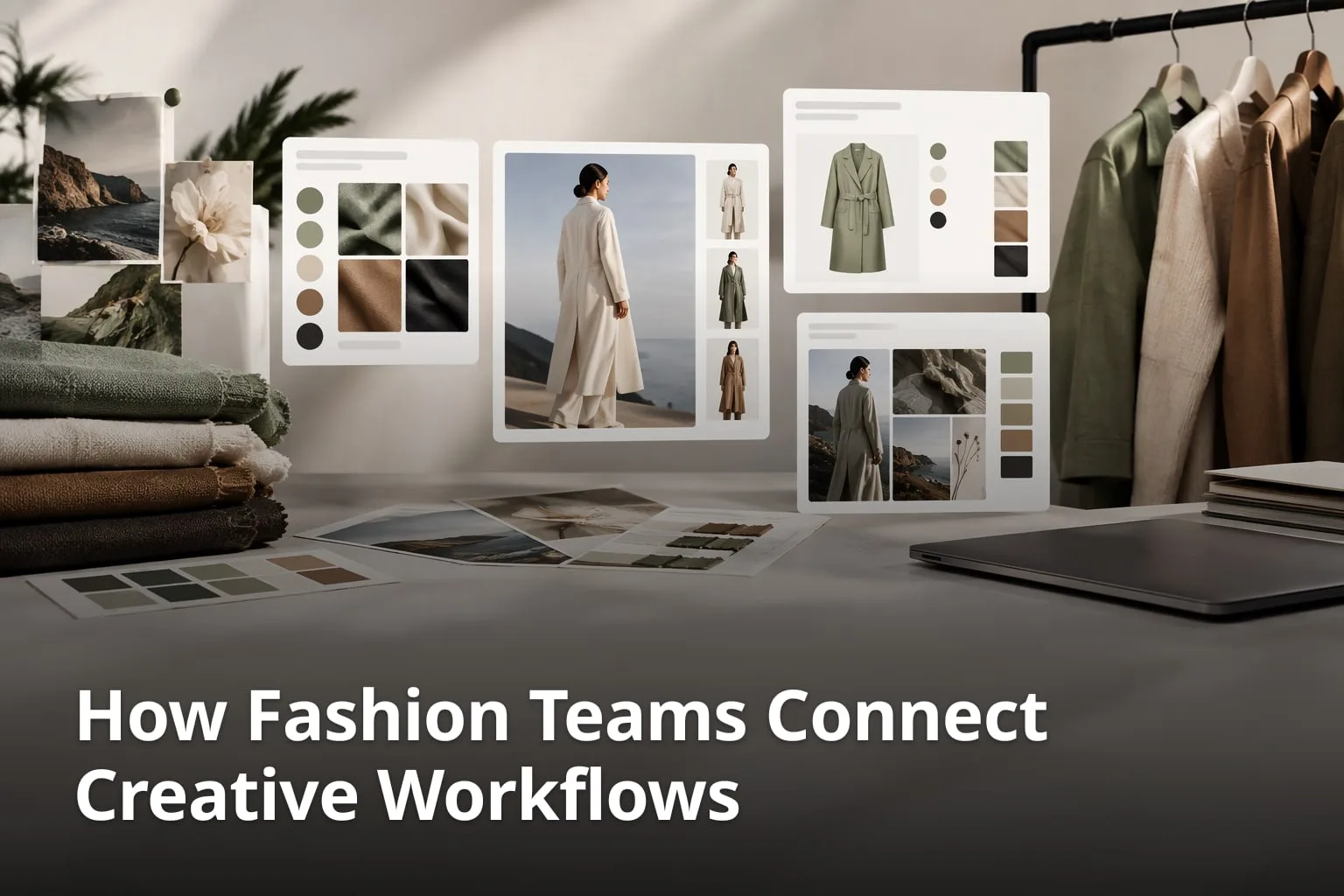
A fashion collection is a chain of decisions that tend to live in different places: a colorway chosen in one file, a fabric swatch photographed in another, styling notes in a chat thread and a campaign deck somewhere else. Each place makes sense on its own. The trouble starts when design, production and marketing need the same answer at the same time and each of them finds a different version. This guide looks at how a fashion team can keep colorways, materials, styling and campaign planning connected: what to keep together, how to name and version things, how to review, and where a visual workspace such as Enterall fits.
It draws on what Enterall states on its own site and in its product documents, and it says where a different kind of tool may still be the better home for a task. The habits described here are practical advice. They work with any tool, and a connected workspace only makes them easier to keep.
Why do colorways, materials, styling, and campaign work drift apart?
They drift apart because each step produces its own files, in its own tool, owned by a different person, and nothing links a campaign image back to the colorway and material it shows. The drift is a process problem before it is a software problem, which is why habits matter as much as the tool.
Take one jacket in three colorways. Design picks the colors and a material, production needs to know which version was approved, a stylist builds outfits around the finished look, and marketing plans the campaign images. If each group keeps its own folder, the same jacket can appear under different names, and nobody can say for certain which image shows the approved navy and which shows an earlier draft.
What are the common drift points?
- The approved colorway lives in one file while the campaign images were made from an older one.
- Material references are saved without a note about which product they belong to.
- Styling feedback arrives in chat threads that nobody can find later.
- The same image exists under several file names, and it is unclear which is current.
- Marketing and production work from different lists of products and colorways.
None of these is dramatic on its own. Together they cost a team time every time someone has to ask which version is right, and they are the problems a connected workflow is meant to remove.
What does a connected workflow need to keep together?
A connected workflow needs four things in one place, or clearly linked: the references, the decisions, the feedback and the plan. If any one of them is missing, the team rebuilds context by hand every time the work moves to the next person.
What are the four things to keep together?
- References: sketches, product photos, color palettes, swatches, mood images and styling examples.
- Decisions: which colorway and material were approved, who approved them and why.
- Feedback: comments from design, production, marketing and outside reviewers, attached to the image they concern.
- Plan: briefs, product lists, shot lists, schedules and dates.
Enterall's own brand guide describes the same problem. It says creative work is often fragmented across "inspiration folders, messaging threads, image generators, documents, spreadsheets, planning tools, and presentation files", and it describes Enterall as a visual environment in which "references, iterations, decisions, written context, schedules, and presentations can remain connected." That is a statement of what the product aims for, and the sections below show which parts of it Enterall's public pages and product documents describe.
How can a team organize colorways and materials on one board?
Make one board per collection or product group, put the garment reference first, and place colorway and material alternatives beside it, each with a short note. Enterall's home page describes the board as the place where you "Bring references, sketches, colour palettes and notes together on a board."
1. Start with one board per collection or product group
Give the board a name that you will recognize months later, such as the season and the collection. One board per project keeps a reference for one product from turning up among the sketches of another. Enterall's getting-started guide begins the same way: "Create a board for a project."
2. Add the garment reference first
Upload the sketch or product photo that the colorways and materials will be based on. Enterall says you can "Upload your sketches, product photos and reference images to a board and use them as the starting point for your work." Starting from the reference keeps every later alternative tied to its source.
3. Place color palettes and material references beside it
Add the palette, swatch photos and texture or finish references next to the garment, and write a short note on each that says which product it belongs to and what it is for. Enterall's product guidance lists extracting or placing color swatches among the things a board can do.
4. Group the alternatives and compare them beside the original
Put each colorway or material option in its own cluster next to the original, so that differences are easy to see. Enterall's product guidance describes building visual comparisons and reference clusters on a board, and comparing results beside the original is the point of doing it in one place.
5. Write the decision down where the options are
When a direction is chosen, write the decision in a note or document next to it, with the date and the name of the person who approved it. Enterall's product guidance describes documents connected to a board, and lists preserving earlier board states through version history, so the rejected options do not have to be deleted to keep the board clear.
How can AI help explore colorways, materials, and styling?
AI image tools can create colorway, material and styling alternatives from a reference on the board, which the team then reviews and compares. Enterall's FAQ says its AI tools can "Turn sketches into rendered concepts, explore colourways, change materials, combine references, build outfits and create packshot-style images."
The home page shows a six-step path for fashion work: bring a sketch to life, change colour and material, refine the length and details, create a tech pack, see it on a model and create the packshot. Enterall's product guidance adds that AI actions can change colors, materials, backgrounds, styling, models or scenery, and can remove backgrounds. Styling and scenery alternatives work the same way as colorways: start from the original fashion image, add the model, pose, location or atmosphere references you like, generate alternatives that keep the intended product direction, and compare them beside the original.
For a connected workflow the useful part is not the picture itself but where it lands. A generated alternative that stays on the board next to its source, with a note on what was changed, can be compared, discussed and approved by the same people who chose the reference.
How should a team handle AI results?
- Change one thing at a time, such as the color or the material, so it is clear what caused a difference.
- Check trim, seams, logos, material and construction details against the original before choosing a favorite.
- Treat the result as creative direction, not as a production specification.
- Keep the source image and the result on the same board, with a note on what was asked.
- Review everything before commercial use.
Enterall is open about the limits. Its product guidance says "Reference use improves direction but does not guarantee exact preservation" and that "Small product, material, construction, text, or identity details can change." Its terms say "AI results may contain errors" and ask users to "Review results before relying on them or using them commercially." Building that review into the workflow is part of keeping the work connected, because it is the step where design and production confirm that the picture still matches the garment.
How do naming and version habits keep everything in sync?
Agree on one naming pattern and one place for the approved version before the first image is saved. A short, plain convention that everyone uses goes a long way, because most sync problems start with two people calling the same thing by different names.
What can a naming convention include?
- A fixed pattern, for example collection, product, colorway, status, such as capsule-jacket-navy-approved.
- Colorway names from one agreed list, used the same way by design, production and marketing.
- A small set of status words, such as draft, in review, approved and retired.
- One named owner per product who can mark something as approved.
- A section or archive for retired options, so they stay findable without cluttering the working area.
Versions need the same discipline. Do not overwrite an approved image with a new one under the same name; save the change as a new version and say what changed. On a board, Enterall's product guidance lists version history and restoring previous states among its capabilities, which helps when a team needs to go back to an earlier direction. The convention above still matters, because version history will not tell a stylist which of two similar-looking images is the one marketing should use.
How do teams turn a board into briefs, tables, calendars, and presentations?
They keep those documents next to the board instead of rebuilding them in other files. Enterall's product documents describe turning board material into documents, rich tables, calendars, plans and presentations, so that the written and structured work keeps its link to the visual references.
What can each part hold?
- Documents: creative briefs, production notes, shoot plans, client recaps and campaign narratives, with AI assistance for drafting and rewriting.
- Rich tables: product line plans, asset lists, shot lists and deliverable trackers, with typed columns, sorting and filtering.
- Calendar: campaign calendars, shoot schedules and review milestones.
- Presentations: slides built from board images, text and supported video, which can be shared as view-oriented links.
The public documentation describes documents on a board in the plainest terms: collect images, add text and documents, and arrange references on the canvas. The tables, calendar and presentations come from Enterall's product guidance, so confirm which of them your own plan and access include before you design a process around them.
It is also worth knowing what the board is not meant to replace. Enterall's brand guide says it is not positioned as a generic task manager, a template library or a standalone image generator. A team with long task chains or a strict budget process may therefore keep a separate project tool and use the board for the visual decisions that feed it.
How does visual merchandising fit into the same workflow?
Visual merchandising uses the same material as the rest of the collection, namely product imagery, colorways, styling and campaign visuals, so it helps to plan it on the same board. Enterall's product guidance lists visual merchandising among the representative uses of its boards, next to moodboards, campaign directions, styling exploration, shoot planning and production planning.
For product imagery, the guidance describes a garment-only pack shot workflow: begin with source imagery that contains the garment, remove the model, mannequin, hanger or distracting environment where appropriate, produce a clean catalog-oriented result, and review edges, trims, proportions and construction before commercial use. Pack shots and product-detail-page assets are named in the brand guide as part of the fashion and ecommerce work Enterall is built around.
The connected habit here is a simple table. List each product and colorway in one row, add a column for each image type needed (pack shot, detail, styled, campaign) and a column for status. When the table sits next to the board that holds the images, a merchandiser can see at a glance which colorways have approved imagery and which are still open, without asking design or marketing.
How should reviews and handoffs work?
Decide who reviews what, and where the feedback is written, before the board is shared. Feedback that sits on the image it concerns keeps decisions traceable, and a handoff that lists the approved version explicitly keeps production, styling and marketing from working on different assumptions.
Enterall's home page says you can "Invite collaborators to work together in real time, or enable a share link for your board," and that "Sharing settings let you choose whether people with the link can view or edit it." Its product guidance also describes comments attached to material, mentions and notifications, and read, write and administrative access levels. Give outside reviewers view access or comment access where the settings allow it, and give editing rights only to the people who own the decisions.
Sharing deserves a second look before it is switched on. Enterall's terms note that content made available to collaborators, public viewers or connected applications may be received or copied by those recipients, and that removing access prevents future access but does not remove copies already held. Share unfinished or confidential collection work with that in mind.
What should a handoff include?
- The approved colorway name and the image that shows it.
- The material reference and any notes on finish or texture.
- The styling direction, with the reference images behind it.
- The list of deliverables and the dates they are needed.
- Who approved the direction and when.
- Open questions that still need an answer.
One workable split of responsibility is that design owns the colorway and material choice, production confirms that the choice can be made, styling owns the outfit and scenery direction, and marketing owns the selection of campaign images from the approved set. The exact roles differ from team to team; what matters is that each decision has one named owner and one place where it is recorded.
Should a fashion team use one platform or several specialist tools?
Either can work. A single board suits the visual early and middle stages best, where references, alternatives and feedback change often, while specialist systems can stay in charge of the work they were built for. The practical test is whether anyone on the team can find the approved version of any colorway, material or campaign image quickly, without asking.
Enterall's home page includes a tech pack step in its six-step path, but its product guidance asks teams to use AI results as creative direction and not as an unverified production specification. That is a sensible boundary: the board holds the visual direction and the reasoning, and the team's own production process stays responsible for the specification.
How can a team decide?
- If most decisions start from images and references, a board is a natural home for them.
- If the team already tracks costs, materials lists or supplier data in a dedicated system, keep that there and link to or export from the board rather than copying it twice.
- Name one source of truth for each kind of information, and write it down.
- Review the setup after one collection cycle and change what slowed people down.
What does it cost to try Enterall?
Enterall is free to start. The home page says "Free to start. No credit card." and the pricing page lists a Free plan with 200 credits, given once, with no payment needed. Credits power all AI work, and how many a job uses depends on the tool and the output.
As listed on the pricing page in November 2026, the Starter plan is 150 DKK per month with 1,000 credits a month, and the Pro plan is 500 DKK per month with 6,000 credits a month. Enterprise is custom. Starter and Pro renew monthly, and unused credits do not roll over. Prices can change, so check the pricing page for the current amounts and currency.
On data, the home page says "You retain your rights to the images you upload" and "We don't use your images to train AI models, and our AI providers don't train on them by default."
How can a team test a connected workflow on one collection?
Pick one product with two or three colorways and take it from reference to handoff on a single board. A small pilot shows where the team's own habits break down before a whole collection depends on them.
What does a small pilot involve?
- One garment reference, uploaded to a new board.
- Two or three colorways, one material change and one styling variation, each placed beside the original.
- A naming convention and status words agreed before anything is saved.
- One review round with design, production and marketing, with feedback written on the board.
- One handoff note that lists the approved version and the open questions.
- A short debrief: could everyone find the approved version without asking, and what slowed the review down?
If the answer to the debrief question is yes, extend the same pattern to the next product. If not, change the convention first and the tool second.
What are common questions about connecting fashion workflows?
Do fashion teams need one tool for everything?
Not necessarily. A single board can hold references, alternatives and feedback for the visual stages, while specialist systems can keep handling specifications, costs or supplier data. What matters is that each kind of information has one named home.
What is the first step in connecting colorways, materials, styling and campaigns?
Agree on names. A shared list of colorway names, a short set of status words and one owner per product remove most of the confusion before any tool is changed.
Can AI-generated images be used as production specifications?
No. The product guidance from Enterall says to use AI results as creative direction rather than as an unverified production specification, and its terms say AI results may contain errors and should be reviewed before commercial use.
Can reviewers see a board without being able to edit it?
According to Enterall's home page, sharing settings let you choose whether people with a share link can view or edit the board.
Is there a free way to try Enterall?
Yes. The home page says it is free to start with no credit card, and the Free plan includes 200 credits, given once.
Are uploaded images used to train AI models?
According to the home page, "We don't use your images to train AI models, and our AI providers don't train on them by default."
Want to try this on one collection? Create a free account, start a board with a garment reference and its colorways, and see how far the Free plan's 200 credits take you. Try Enterall
What are the sources?
This article draws on Enterall's own pages and on Enterall's product documents (brand guide and product catalog).
Which sources were used?
- Enterall: https://enterall.co
- Enterall pricing: https://enterall.co/pricing
- Enterall documentation: https://enterall.co/docs
- Enterall terms: https://enterall.co/terms
- Enterall product documents: brand guide and product catalog (provided by the brand)