
5 Signs Your Team Needs a Better Moodboard Tool
Five signs your team has outgrown its moodboard tool, from scattered references to rebuilt presentations, and what to look for in an alternative.
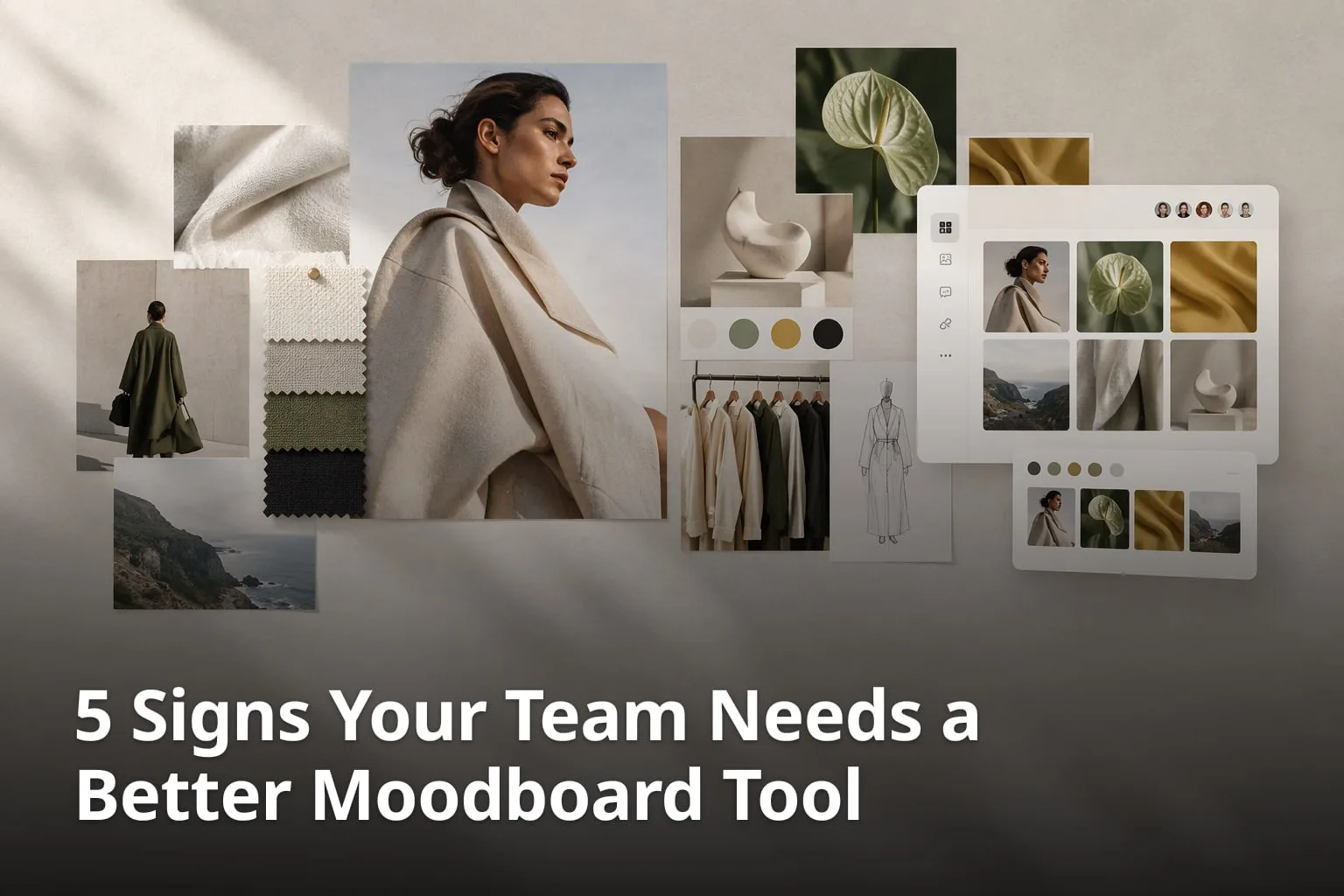
Your team needs a better moodboard tool when the board stops being the place where decisions are made. Five signs show it: references are scattered, feedback sits away from the images, briefs and schedules live elsewhere, presentations are rebuilt by hand, and the work stops where the moodboard ends. If two or more sound familiar, it is worth looking at better moodboard tool alternatives for teams.
Are your references scattered across several tools?
If references sit in email, shared drives and chat threads, nobody can say which version is current. The fix is one board where the team collects images, text, documents and links and arranges them side by side.
Enterall works this way: you create a board for a project, add references, sketches, colour palettes and notes, and invite collaborators when you are ready.
Is feedback detached from the images?
Feedback in chat or email rarely says which image or version it refers to, so the team spends time sorting out what a comment means. Feedback works better when it is attached to the material it is about.
In Enterall, collaborators can comment on the relevant material on the board, and you can choose whether people with a share link can view or edit it.
Do briefs and schedules live outside the board?
When the brief is in one document and the schedule in another tool, the people working on the visuals have to jump between places to remember the goal and the deadline.
Enterall board material can connect to documents, tables and calendars, so a brief, a shot list or a milestone can sit next to the references behind it.
Do you rebuild the presentation by hand every time?
If every review means copying images into a separate presentation file, the story gets rebuilt each time the direction changes.
Enterall can turn selected board material into a presentation that you present from the product or share as a view-oriented link, so the presentation starts from the board instead of from a blank slide.
Does the work stop where the moodboard ends?
A moodboard shows a direction but does not yet produce options. If you export the references to another tool every time you want to try a variation, the context is lost along the way.
Enterall combines the board with AI image tools: you upload a sketch or reference and describe in plain language what you want to create or change, for example a new colour or a different fabric.
Tip: test any alternative on one real project, from first references to the review, before you move the whole team.
What should you look for in a moodboard tool alternative?
Look for the features that remove the signs above, and check them against how your team actually works.
- Comments attached to the images they are about.
- Share links where you can choose between view and edit access.
- Documents, tables, calendars and presentations that connect to the same board.
- The ability to download your images for the rest of your workflow.
How do you know when it is time to switch?
Switch when the same problems come back on every project: you cannot find the current reference, you repeat feedback, or you spend review time rebuilding a presentation. One sign is a nuisance, two or three mean the setup is costing you time.
Enterall is not the best fit for every job. Other products may suit you better if you mainly need a very large template or stock-asset library, workshop facilitation at massive organisational scale, or highly specialised design-file editing.
How can Enterall help your team?
Enterall is a visual workspace for fashion and apparel designers, from independent creatives to teams. You bring references, sketches, colour palettes and notes together on a board, then develop your ideas with AI image tools.
You can create an account without a credit card. The Free plan includes 200 credits once, and Enterall does not use your images to train AI models.
Create a free Enterall account, no credit card needed, and try it on one real project board.
Related reading: How to Build Collaborative Client Moodboards in 2026 and What Comes After a Moodboard in Creative Work.
What are the signs that a team has outgrown its moodboard tool?
Common signs are scattered references, feedback that is not tied to the images, briefs and schedules kept in other tools, presentations rebuilt by hand, and a board that cannot lead into the next deliverable.
Why should feedback be attached to the visuals?
Feedback attached to an image shows exactly what it refers to, which reduces misunderstandings and the time spent clarifying comments.
Can you share an Enterall board with clients or colleagues?
Yes. You can invite collaborators to work together in real time, or enable a share link and choose whether people with the link can view or edit the board.
Can I use my own sketches and reference images in Enterall?
Yes. You can upload sketches, product photos and reference images to a board and use them as the starting point for your work.
Can one tool cover every creative need?
Not for every team. Some jobs, such as very large template libraries or specialised design-file editing, may be better served by other products.