
What Comes After a Moodboard in Creative Work
The steps that follow a moodboard: pick the references that matter, create alternatives, get a response and turn the decision into a brief, table or presentation.
Why is moving beyond a moodboard important?
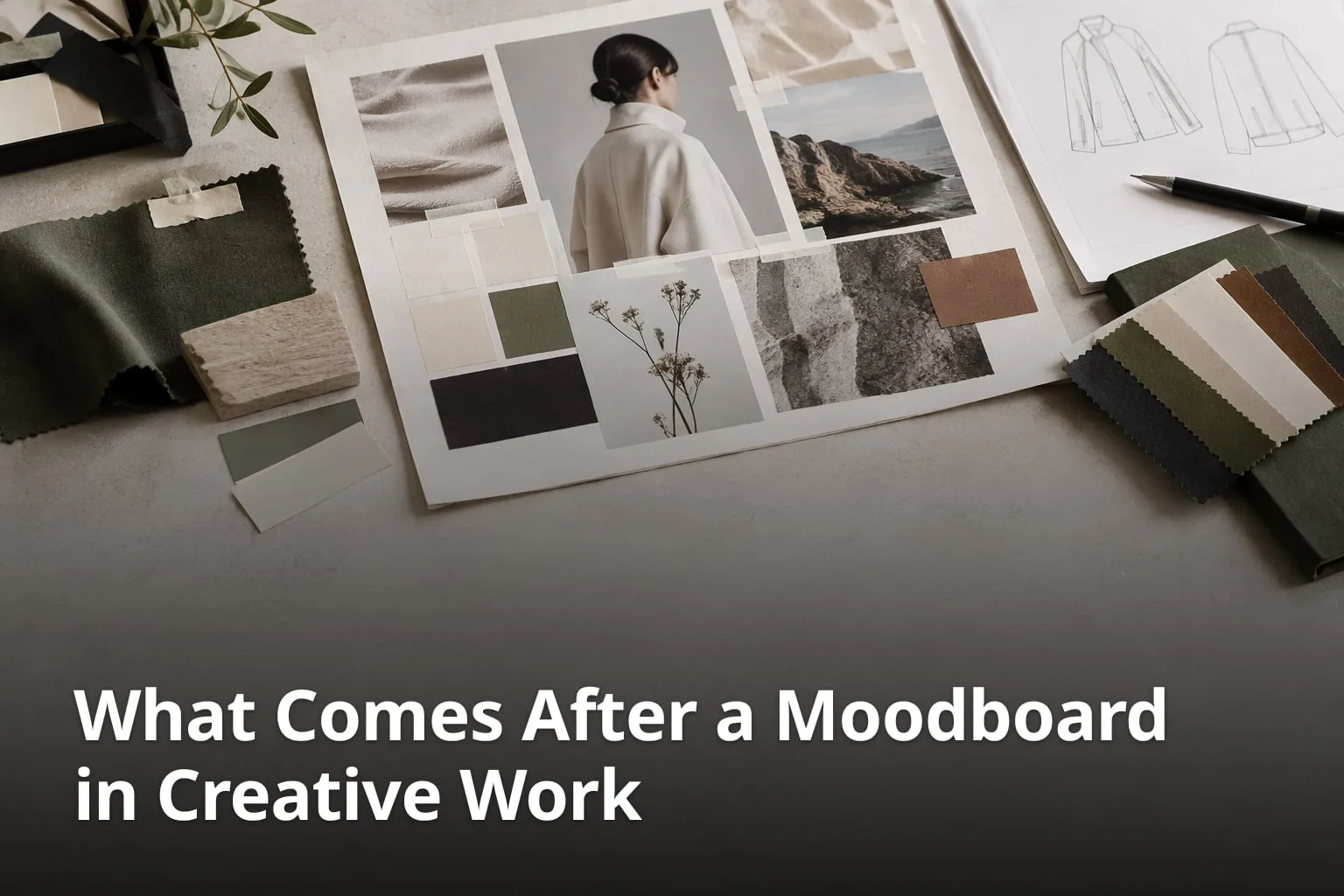
A moodboard shows the direction you are leaning toward, but it does not yet decide anything. The next step is to turn the references into options, get a response from the people involved, and write down the choice that was made. Without it, a board can stay a board, with no clear path to a brief, a shoot or a collection.
A moodboard is built to communicate. StudioBinder describes one of its primary purposes as clearly communicating ideas, direction and creative intent to others, and Depositphotos describes a mood board as a set of visuals selected to define the emotional context of a brand or a product. Both descriptions point at the same limit: a board sets the mood and the direction, and it is up to the team to translate that into something others can act on.
That translation is where work tends to stall. The references live in one place, the generated or edited images in another, the brief in a document, the schedule in a spreadsheet and the feedback in a message thread. Every handoff makes someone rebuild context that already existed on the board. Moving beyond the moodboard is mostly about keeping that context attached to the work as it changes form.
What does a moodboard leave open?
- Which of the references actually matter, and which were only part of the search.
- What the first concrete versions of the idea should look like.
- Who needs to see the direction, and what you need back from them.
- How the direction becomes a brief, a plan or a presentation.
- Who decides, and when.
Key takeaways
A moodboard is where the direction starts. Options, feedback and a written decision are what turn it into the next piece of work, and the easier it is to move between them, the less context gets lost on the way.
What should you do after creating a moodboard?
After creating a moodboard, narrow the references to the ones that carry the idea, create a few concrete alternatives from them, ask for a response and record the decision in a brief or plan. The five steps below work for a campaign, a product line or a client project, whatever tool you use.
1. Read the board for themes
Step back and look for what repeats: a color family, a material, a silhouette, a type of light, a mood. Group the references by theme and name each group in a few words. If you cannot name a group, it is probably not a theme yet, and those references can be set aside.
2. Pick the references that carry the idea
A board with sixty images says less than a board with eight. Choose the few references that you would defend if someone asked why they are there, and mark them as the starting point for the next stage. The rest can stay on the board as background.
3. Create alternatives
Use the selected references to make two or three concrete versions of the idea: a darker palette, a different material, another setting. The point is to make the direction visible enough to react to, not to finish anything.
4. Ask for a response
Show the alternatives to someone whose take you want, and say what you need from them: pick one, rank them, or point out what is missing. A specific question gets a more useful answer than a general "what do you think?"
5. Write down the decision
Record which direction was chosen and why, in a few sentences. That note becomes the opening of the brief, and it saves the team from reopening the same discussion two weeks later.
How can you organize ideas effectively?
Organizing ideas means grouping the references by theme, giving each group a short name, and deciding what each group is for. A group can feed a color story, a styling direction or a set of shots. Once the purpose is clear, it is easier to see what is missing and what can be dropped.
It also helps to separate three kinds of material: inspiration (what you like), constraints (budget, brand rules, materials you can actually source) and decisions (what has been agreed). Mixing the three on one board is common, and it is the reason many boards are hard to read for someone who was not in the room.
Which habits keep a board readable?
- Cluster references by theme and label each cluster in plain words.
- Keep the strongest references large and the background material small.
- Put a short note beside any reference whose purpose is not obvious.
- Set decisions apart from inspiration so a newcomer can tell them apart.
How can Enterall help with post-moodboard workflows?
Enterall is a collaborative visual workspace where teams collect references, develop and edit images with AI, and turn the same board into documents, tables, calendars and presentations. The references stay on the board while the work moves on, so the thinking that started the project stays visible next to what it produced.
The workflow below follows the order in which most teams work: references first, then alternatives, then structure, then review. None of it requires leaving the board, although you can of course use other tools alongside it.
1. Generate visuals from your references
Bring your references onto a board: images, sketches, links, notes and, where supported, public Pinterest boards. Then select the images you want to build on and use the AI tools in Enterall to create variations, edit an existing image or combine references. The selected references are the starting point, so the results stay tied to what you chose.
2. Organize the ideas next to the visuals
Turn board material into a document such as a creative brief, a table for products or deliverables, or a calendar for milestones. Because these sit beside the images on the same board, the reasoning behind each choice stays within reach.
3. Invite people to respond
Invite collaborators to work on the board in real time, or enable a share link and choose whether people with the link can view or edit it. Comments attach to the material they concern, so feedback arrives where the question was asked.
4. Turn the board into a presentation
When a direction is settled, assemble selected images, text and supported video into a presentation, present it directly from Enterall, or share a view-oriented link. The presentation is built from the board, so you are not rebuilding the story in another file.
What can you do with a board after the moodboard stage?
- Create variations of a selected image, such as a new color, material or setting.
- Compare the results beside the original and annotate the strongest options.
- Write a brief or production note next to the references that informed it.
- Organize products, shots or deliverables in a table.
- Plan milestones in a calendar.
- Present the chosen direction and share it for comments.
How do you compare variations and choose a direction?
Compare variations side by side, against the original reference and against the goal in the brief, then keep the one that moves the idea forward and note why. A comparison is only useful if you decide something at the end of it.
1. Line the options up
Put the alternatives next to each other and next to the reference they came from. Seeing the source and the result together makes it easier to judge what changed and whether the change helps.
2. Judge against the goal
Return to the question the project is answering. A variation can be striking and still be wrong for the audience, the season or the channel. Score options against the brief, not only against taste.
3. Check the details
AI results vary, and small details can change: construction, trims, text, proportions or identity. Review the result carefully before it goes into anything you will use commercially, and do not treat an AI-generated image as a technical specification.
4. Annotate and decide
Mark what you like about the strongest options and what should change. Then pick one direction, or two to take to a wider review, and record the choice. The annotations are the explanation the next person will look for.
How do you turn a moodboard into deliverables?
Turn a moodboard into a creative brief, a structured table, a schedule or a presentation, depending on who needs to act next. Each of these takes the direction from the board and gives it a form that others can work from.
A creative brief states the goal, the audience, the visual direction and what is to be delivered. A table breaks the work into items you can sort and track, such as a shot list, an asset list or a product plan. A calendar attaches dates to those items. A presentation tells the story of the direction to clients or decision makers in a sequence they can follow without you in the room.
1. Draft the brief from the board
Start with the decision note from the previous stage. Add the goal, the audience, the key references and the outputs you expect. Writing the brief beside the references makes it easier to quote the images that justify each choice.
2. Build a table for the work
List the deliverables as rows, and add columns for owner, status and notes. For a fashion or ecommerce team that might be a product line plan, a shot list or an asset tracker. Sorting and filtering show you what is still open.
3. Add dates
Put milestones in a calendar: review dates, shoot days, delivery deadlines. A schedule that sits next to the board is less likely to drift away from the direction it serves.
4. Assemble the presentation
Select the images and text that tell the story, put them in order and add short captions. Keep the argument simple: where the idea came from, what the options were, what you recommend and what you need next.
5. Keep references attached
Each output should still point back to the references that inspired it. If someone asks why a color or material was chosen, the answer should be one click away rather than in someone's memory.
What role does collaboration play after moodboarding?
Collaboration is how a direction becomes a decision: other people see the work, react to it and add what you missed. Feedback given in context can be more specific than feedback sent as a separate message.
1. Share early
Show the board before it feels finished. Early comments are easier to act on than late ones, and an unfinished board invites reactions.
2. Ask a clear question
Say what you want from each reviewer: choose between two options, check a detail, confirm a decision. Mentions can point a specific question at a specific person.
3. Comment on the material itself
Comments attached to the relevant image or section keep the discussion tied to the thing being discussed, which helps when several people are commenting at once.
4. Close the loop
Respond to the comments, say what changed, and mark what was decided. Reviewers can then see that their feedback led somewhere.
5. Confirm before production starts
Before work moves to production, hold a short final review so that everyone agrees on the direction and the open points are written down.
Sharing settings decide who can do what. In Enterall you can invite collaborators or enable a share link, and the sharing settings let you choose whether people with the link can view or edit the board. Decide this before you send the link, especially for client work.
How can visual context be preserved in the workflow?
Keep the references, the results, the notes and the decisions in one place, so that each stage can be traced back to the one before. Visual context is lost when a good image is exported into a deck and the reason it was chosen stays behind.
Three habits help. First, name the purpose of each reference or group when you add it. Second, keep source and result side by side when you create variations, so you can see what changed. Third, put the reasoning in writing, in a note, a comment or the brief, rather than relying on memory.
Tools can support these habits. On an Enterall board the references, generated images, documents, tables and presentations are connected to the same board instead of being spread across separate files. Enterall also has version history, so earlier saved states of the work can be reviewed. A tool does not replace the habit of writing down why, though, and the habit is what makes a handoff understandable to someone new.
Which practices protect the original intent?
- Label the purpose of each reference group when you create it.
- Keep the source image next to every result made from it.
- Write down the reason for each decision in the brief or in a comment.
- Review generated images against the original before using them.
- Share the board itself, not only exported images, when others need the context.
What does the path from moodboard to presentation look like for a fashion team?
For a fashion or ecommerce team, the path usually runs from a garment or campaign reference to colorways or material alternatives, then to a product view or campaign direction, and finally to a presentation or product brief. The steps below follow that route using workflows that Enterall describes for fashion teams.
1. Start with the garment and the palette
Add a garment reference and a color palette or material references to the board. The reference tells the AI what the product is, and the palette tells it where you want to go.
2. Create colorways or try a material
Use the selected garment image to generate controlled alternatives in the target colors, or to try a new material or finish. Compare each result with the original and check trims, seams, logos and construction, because small details can change.
3. Prepare a clean product view
For catalog use, begin with an image that contains the garment and produce a garment-only result, for example without a model, mannequin or hanger where appropriate. Review edges, proportions and fastenings before commercial use.
4. Record the decision
Note the approved colorway or material in a table or a product document, and add milestones to the calendar.
5. Present and collect feedback
Build a presentation from the approved images, share it, and collect comments from the people who need to sign off.
What are common mistakes after moodboarding?
The most common mistakes are leaving the board without next steps, losing the link between references and results, and asking for feedback too late. All three are easy to avoid once you know to look for them.
The first mistake is leaving a moodboard unstructured. A board that mixes inspiration, constraints and decisions is hard for anyone but its author to read. Set aside ten minutes after finishing it to group the references and write a one-line purpose for each group.
The second is treating the moodboard as the deliverable. A moodboard sets direction; it does not specify what to make, in what quantity, for whom or by when. Production teams need a brief, a list and a schedule, and a board can be a good source for all three.
The third is feedback that comes too late or too vaguely. If the first person to see the direction is the client, a misunderstanding will be expensive. Share early with a colleague, ask a specific question, and keep the answers attached to the material they concern.
The fourth is trusting generated images without a review. AI can help explore options, but it does not guarantee that a source image is preserved or that product details are correct. Always compare the result with the original and check details before using it.
What should you check before moving on from the moodboard?
- References are grouped, and each group has a purpose.
- Two or three alternatives exist, and the source of each is visible.
- At least one other person has seen the direction and responded.
- The decision and the reason for it are written down.
- The next output, such as a brief, table or presentation, has an owner and a date.
What is the purpose of a moodboard in creative work?
A moodboard is a visual collection of references that sets creative direction. StudioBinder describes one of its primary purposes as communicating ideas, direction and creative intent to others, so it works as a shared visual language for a team.
Can a moodboard be a final deliverable?
Usually not. A moodboard sets direction, while a final deliverable needs a decision, a form and often a date. Most teams turn the board into a brief, a table, a schedule or a presentation.
How does Enterall fit into the steps after a moodboard?
A collaborative visual workspace such as Enterall keeps the references on the same board as the AI-generated variations, documents, tables, calendars and presentations made from them. Teams can also invite collaborators, comment in context and share the board.
Why is collaboration important after a moodboard?
Other people can notice what the author has stopped seeing, and a decision that several people have seen is easier to carry into production. Feedback attached to the material it concerns is also easier to act on.
What can be created after a moodboard?
Common outputs are creative briefs, tables of products or shots, calendars of milestones and presentations for clients. On a fashion team they also include colorways, material alternatives and garment-only product views.
How can references stay connected to the final work?
Keep the references, the results and the reasoning on one board, and write down why each choice was made. In Enterall the documents, tables, calendars and presentations are made from board material, so they sit beside the references that informed them.
Start with a few references of your own. Create your Enterall account, add them to a board and try your first variations.
What are the sources?
Which sources support these claims?
- StudioBinder, How to Make a Mood Board: https://www.studiobinder.com/blog/how-to-make-a-mood-board/
- Depositphotos, How to Make a Moodboard: https://blog.depositphotos.com/how-to-make-a-moodboard.html
- Enterall: https://enterall.co