
Visual Workspaces for Fashion Designers: Enterall and Alternatives
A sourced look at Enterall's fashion workspace next to Milanote, Obsidian Canvas and Mercer, and an honest answer on whether visual apps are ADHD tools.
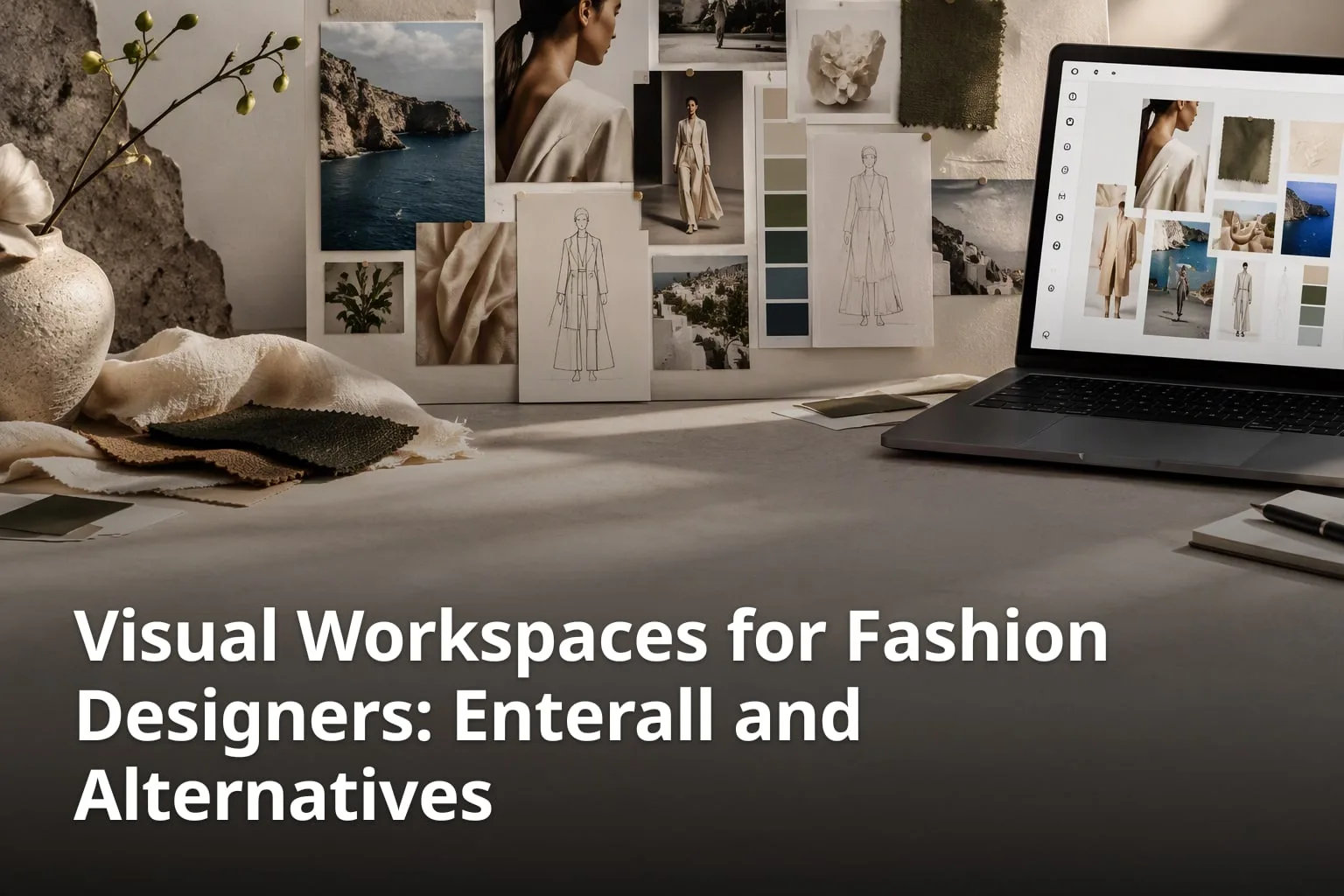
If you think in images, a numbered list of tasks rarely shows you what a collection looks like. Visual workspaces put sketches, reference photos, colour palettes and notes side by side so you can see the whole idea at once. This article explains what Enterall does, using only what its own website states, and sets it next to three tools that designers also use for visual work: Milanote, Obsidian Canvas and Mercer. Each description comes from that tool's own site. It also answers a question many readers search for: whether a visual workspace is an ADHD tool.
What are the key takeaways?
- Enterall describes itself as a visual workspace for apparel and fashion teams, with boards plus AI image tools.
- Its Free plan costs 0 DKK and includes 200 credits once; Starter and Pro are monthly credit plans.
- Milanote is a board tool for organizing creative projects, with a Free plan of 100 notes, images or links.
- Obsidian Canvas is an infinite canvas that comes free with Obsidian and stores files locally.
- Mercer, formerly Cala, is an AI fashion platform that runs from concept to production.
- None of these tools is an ADHD treatment; NIMH lists medication and psychosocial interventions as standard treatments.
What is a visual workspace, and why do designers use one?
A visual workspace is a board or canvas where you place images, sketches, notes and files freely in space instead of filing them in folders or lists.
For a fashion designer, the raw material of a collection is mostly visual: a mood photo from a trip, a fabric swatch, a hand sketch, a colour palette, a reference silhouette. In a folder, those items sit in separate places and you have to open them one by one. On a board, you can place the sketch next to the swatch and the palette, move things around as the idea changes, and see the whole direction at a glance.
The tools in this article all start from that idea, but they go in different directions. Some stop at organising what you collect. Others add AI image generation, so the board becomes the place where new images are made, not only stored. One goes all the way to production management. Knowing which of these you need is the most useful way to choose.
A practical way to read the rest of this article: decide first whether you want a place to collect and arrange, a place to generate and edit images, or a place to manage a collection through to manufacturing. Then compare only the tools that do that job.
Is a visual workspace an ADHD tool?
No. The tools in this article are design and organising software, not health products. None of the pages from these tools cited in this article presents them as ADHD tools.
The US National Institute of Mental Health (NIMH) describes ADHD as a neurodevelopmental disorder. On its ADHD page (last reviewed August 2026), NIMH says that standard ADHD treatments include medication and psychosocial interventions, such as cognitive behavioral therapy, parent training, and school interventions. It also notes that researchers are exploring new technologies, like mobile apps and virtual reality, that can deliver information to people in real time. That is research in progress, not a finding that any particular app helps.
So if you have ADHD and think visually, a board tool may simply suit the way you like to work, the same as it might for anyone else. It is not a substitute for advice from a health professional. If ADHD is affecting your work, the NIMH page is a reliable starting point for information about diagnosis and treatment.
What should you check on any tool before you trust it?
- Whether the tool's own website describes the features you need, in plain words.
- Whether health claims about the tool cite a medical or research source.
- What the free plan includes, and whether it is limited by time or by usage.
- Who owns the images you upload and create, and whether they are used to train AI.
What does Enterall do?
Enterall is a visual workspace for fashion and apparel designers, from independent creatives to teams, that combines boards with AI image tools.
On its homepage, Enterall sums itself up as "The visual workspace for apparel and fashion teams" under the headline "From sketch to tech pack." You bring references, sketches, colour palettes and notes together on a board, then develop and visualize ideas with AI image tools. You can upload your own sketches, product photos and reference images and use them as the starting point.
According to Enterall, the AI tools can turn sketches into rendered concepts, explore colourways, change materials, combine references, build outfits and create packshot-style images. You can also edit an existing image to develop a specific detail or try another direction. No AI experience is required: you work in the browser and describe what you want in plain language, such as trying a new colour or changing a fabric.
What are the six steps on Enterall’s homepage?
- Bring a sketch to life
- Change colour and material
- Refine the length and details
- Create a tech pack
- See it on a model
- Create the packshot
For collaboration, Enterall says you can invite collaborators to work together in real time, or enable a share link for a board, with sharing settings that decide whether people with the link can view or edit it. Its privacy policy lists comments among the board content it stores. Images you create can be downloaded for use in the rest of your design workflow.
How does Enterall handle your images and AI connections?
Enterall says you keep the rights to the images you upload, it does not claim ownership of your generated images, and it does not use your images to train AI models.
The FAQ adds that Enterall's AI providers don't train on your images by default. For designers working on unreleased collections, that is worth checking on any AI tool, because terms differ between services.
Enterall can also be connected to ChatGPT, Codex and Claude through a remote MCP connection. Its connection page says you can find and read your boards, create private boards and documents, organize references and develop images from those assistants. Connecting and using the board, canvas, document and collaboration tools is free; image generation and editing use your Enterall credits. The page notes that remote MCP availability depends on your client and its account settings.
How much does Enterall cost?
Enterall has a Free plan at 0 DKK with 200 credits once, and paid Starter and Pro plans that add credits every month; you can sign up without a credit card.
Which plans does Enterall list?
- Free: 0 DKK, 200 credits, once. No payment needed.
- Starter: 150 DKK / month for 1,000 credits a month, billed monthly.
- Pro: 500 DKK / month for 6,000 credits a month, billed monthly.
- Enterprise: custom pricing, with credits set for your team and sales-assisted setup.
Credits power all AI work, and how many a task uses depends on the tool and the output you choose. Starter and Pro renew monthly, and unused credits don't roll over. The pricing page shows prices in DKK and lets you switch the display to USD or EUR. As a rough guide, Enterall estimates that a full month of Starter credits spent only on standard images makes about 90 images, and a full month of Pro credits about 545. Actual use varies.
How does Milanote compare?
Milanote is a board tool for organizing creative projects; it focuses on collecting and arranging material and on sharing boards, with fashion design listed as one of its uses.
Milanote's homepage says it lets you combine notes, images, videos, sketches and more, save links or content from the web in a single click, and gather project information and tasks into one place. For fashion design, it lists organising concepts, references and production details. You can invite others to edit, comment or just view your boards, and Milanote offers mobile, iPad and desktop apps plus a web clipper.
On its plans page, Milanote's Free plan has no time limit and includes 100 notes, images or links, 10 file uploads and unlimited shared boards. The paid individual plan is $9.99 / month billed annually, or $12.50 billed monthly, with unlimited notes, images, links and file uploads. A team plan starts at $49 / month billed annually for up to 10 people. Milanote's homepage and plans page describe organising and collaboration features; they do not describe AI image generation, so if generating images is central to your work, check Milanote's current feature list directly.
How does Obsidian Canvas compare?
Obsidian Canvas is an infinite canvas inside the note-taking app Obsidian; it comes free with Obsidian and stores your canvases as local files.
What does Obsidian say Canvas can do?
- Give you an infinite space to research, brainstorm, diagram and lay out your ideas.
- Embed notes alongside images, PDFs, videos, audio and interactive web pages.
- Embed canvases in notes, or nest one canvas inside another.
- Store canvas files locally in the open JSON Canvas file format.
- Accept plugins that add new capabilities, through Obsidian's API.
Obsidian's pricing page says the app is free without limits, with no sign-up required, and that you are not required to pay for a commercial licence. Optional add-ons cost extra: Sync, which syncs notes across devices, is $4 USD per user per month billed annually, or $5 billed monthly. Obsidian suits designers who want their notes, research and visual layouts in local files they control. Its Canvas page does not describe built-in AI image generation or fashion-specific tools.
How does Mercer compare?
Mercer, formerly Cala, is an AI-powered fashion platform that covers product design from concept to production, including tasks, comments and, on its Enterprise plan, manufacturing.
Mercer's homepage lists an AI Designer tool with Product Variations, Text-to-Image and AI Paintbrush editing, and an AI Influences tool that you train on reference imagery from past collections or inspiration boards to keep new product development on brand. Teams can use comments, measurements and tasks, and share designs with production partners through print-ready PDFs and collection links, whether or not they have an account.
Mercer's pricing page lists a Designer plan at $19 / Month with 300 AI credits per month, Studio at $69 / Month, Studio Pro at $159 / Month and Enterprise from $499 / Month. Its FAQ says it uses a mixture of Flux and Stable Diffusion models, and that on Designer, Studio and Studio Pro subscriptions it does not produce or manufacture anything designed on the platform; production and manufacturing services are part of Enterprise.
Mercer reaches further into production than the other tools here. Enterall concentrates on the visual work from sketch to tech pack and packshot, Milanote on collecting and organising, and Obsidian Canvas on local, file-based visual notes.
How do you choose between these tools?
Start from the job you need done: collecting and arranging references, generating and editing fashion images, or managing a collection through to production.
Which questions help you decide?
- Do you mainly need a place to collect and arrange references, or do you also want to generate and edit images?
- Is your work fashion and apparel, or creative work in general?
- Do you need files stored locally, or is a web app with sharing more useful?
- Will you work alone, share boards with a few people, or coordinate with manufacturers?
- How much would you use AI generation each month, and how does that map to each tool's credits?
- What does each tool's free plan let you test before you pay?
If your answers point to collecting and arranging, Milanote or Obsidian Canvas match what those tools describe. If you design apparel and want to move from a sketch to rendered concepts, colourways and packshots on the same board, Enterall describes exactly that workflow. If you need comments, measurements, tasks and manufacturing in one platform, Mercer describes that end-to-end scope.
How can you test a visual workflow on one real project?
Pick one small, real piece of work, such as a single garment or a capsule of three looks, and run it through a free plan from start to finish before you commit.
A trial with a real brief tells you more than a feature list. Use material you would actually work with: your own sketch, the reference photos you were going to use, and the colours you are considering. Keep a short note of where you got stuck, because that is usually the deciding factor.
In Enterall, for example, the homepage's own sequence gives you a ready-made test: upload a sketch, bring it to life as a rendered concept, change the colour and material, refine the length and details, then see it on a model and create a packshot. On the Free plan, the 200 credits are included once, so plan which outputs you want to try before you start. The pricing page estimates that a full Free allowance spent only on standard images makes about 18 images.
In Milanote or Obsidian Canvas, the equivalent test is to build one board for the same garment: place the sketch, references, palette and notes, then share it with one colleague or come back to it a week later and see whether it still makes sense.
What should a one-project test cover?
Cover the steps you would really repeat every week, not just the most impressive feature.
- Getting your own sketches and reference images onto a board.
- Arranging them so the direction of the piece is clear at a glance.
- Making one change you would normally request from a sample, such as a new colour or fabric.
- Sharing the result with someone and getting feedback.
- Exporting or downloading what you made for the next step in your workflow.
Is Enterall made for people with ADHD?
Its website does not say so. Enterall describes itself as a visual workspace for fashion and apparel designers, from independent creatives to teams, and its homepage, pricing, terms and connection pages make no health claims. For information about ADHD itself, see the NIMH ADHD page.
Do visual apps treat ADHD?
No app is listed as a standard treatment. NIMH says standard ADHD treatments include medication and psychosocial interventions, such as cognitive behavioral therapy, and that researchers are still exploring technologies like mobile apps and virtual reality.
Does Enterall have a free plan?
Yes. Its pricing page lists a Free plan at 0 DKK with 200 credits, once, and no payment needed. Starter is 150 DKK / month for 1,000 credits a month, and Pro is 500 DKK / month for 6,000 credits a month.
Can a team work on the same Enterall board?
Yes. According to Enterall, you can invite collaborators to work together in real time, or enable a share link for your board and choose whether people with the link can view or edit it.
Are there free alternatives for visual boards?
Yes. Milanote has a Free plan with no time limit that includes 100 notes, images or links and 10 file uploads. Obsidian is free without limits, and its Canvas feature comes free with it. Enterall's own Free plan includes 200 credits once.
Does Enterall use my images to train AI?
According to Enterall's FAQ, no. You keep your rights to uploaded images, Enterall does not claim ownership of generated images, it doesn't use your images to train AI models, and its AI providers don't train on them by default.
A visual workspace is worth choosing for the work it actually does. Enterall is built around the fashion workflow from sketch to tech pack and packshot, Milanote around collecting and organising creative projects, Obsidian Canvas around local visual notes, and Mercer around design-to-production. Test one with a real piece of your own work, and judge it on that.
Try Enterall with your own sketch: the Free plan includes 200 credits once and needs no credit card. See enterall.co.
What are the sources?
Which sources does this article use?
- Enterall, https://enterall.co
- Enterall pricing, https://enterall.co/pricing
- Enterall MCP connection, https://enterall.co/mcp
- Enterall privacy policy, https://enterall.co/privacy
- Milanote, https://milanote.com
- Milanote plans and pricing, https://milanote.com/plans
- Obsidian Canvas, https://obsidian.md/canvas
- Obsidian pricing, https://obsidian.md/pricing
- Mercer, https://www.mercer.design/
- Mercer pricing, https://www.mercer.design/pricing
- NIMH, Attention-Deficit/Hyperactivity Disorder, https://www.nimh.nih.gov/health/topics/attention-deficit-hyperactivity-disorder-adhd