
How to Preserve Creative Project Context
Why creative project context gets lost, what it can cost, and practical steps for keeping references, feedback, and deliverables connected.
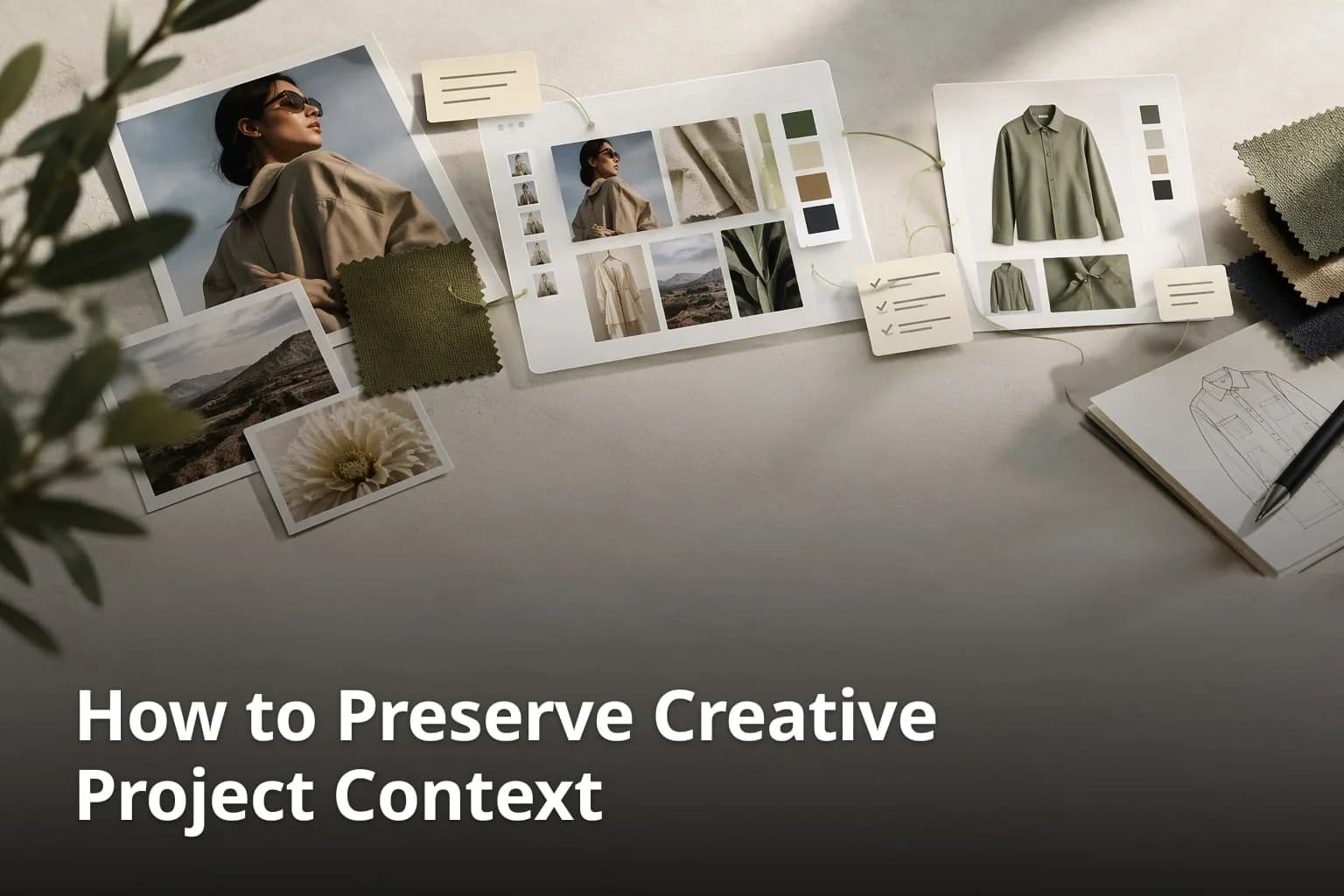
Creative work rarely moves in a straight line. A moodboard turns into sketches, sketches turn into images and drafts, feedback arrives from several people, and eventually something is delivered. The risk is not that one step goes wrong. It is that the reasons behind each step stay behind: which reference inspired a color, who asked for a change, why one direction was dropped. This guide explains why project context gets lost, what that can cost a creative team, and how to keep references, feedback, and deliverables connected, with examples from fashion and campaign work. It also describes what Enterall, a collaborative visual workspace, offers for this and where its limits are.
Why does creative project context often get lost?
Project context gets lost when references, feedback, and decisions live in different places. Enterall describes the pattern this way: creative work is often spread across inspiration folders, messaging threads, image generators, documents, spreadsheets, planning tools, and presentation files, so the original thinking becomes separated from the work it produces.
What are the key details to consider?
- References sit in one place and feedback in another.
- Decisions are made in conversations that are not saved with the work.
- Iterations are stored as separate files with no visible link back to their source.
- Handoffs between phases, such as concept, development, and delivery, can force people to rebuild context from memory.
- People who join late have no easy way to see how the work got where it is.
In many creative workflows, visual references are kept in one tool, feedback is exchanged by email or chat, and tasks are tracked in a third place. Each tool works on its own, but nothing connects them. When someone asks why a color was chosen, the answer may be spread across a folder of screenshots and a long message thread.
Feedback and decisions are a common weak point. A comment sent in a chat app is easy to miss and hard to find again, and a decision agreed in a call may never be written down. Over time, the team keeps the result but loses the reason for it, which makes later changes harder to judge.
Project transitions add to the problem. Moving from ideation to execution often means turning rough sketches and references into more refined concepts, and each conversion is a chance to lose the link to the original inspiration. Without a shared place for project material, key details are easier to misread or drop.
Working with clients, freelancers, or other departments can make this harder still. People who see only part of the material may reach different readings of the same brief, and checking each reading against the original takes time.
What are the risks of losing creative project context?
The main risks are rework, slower approvals, and deliverables that drift from the original intent. These are risks rather than certainties, and how large they are depends on the team and the project.
What are the key details to consider?
- Deliverables may drift from the original vision or goals.
- Teams may spend extra time re-aligning on project details.
- Important decisions and feedback may be overlooked.
- Collaboration becomes harder when people work from different versions of the story.
- Reviewers may have to ask for explanations that the work itself should have given.
The first risk is drift. When the team is unsure about the original vision, the output can move away from what was intended, and the fix is often another round of revisions. A shared record of the references and decisions behind the work makes it easier to see when that is happening.
Time is the second. M-Files, a document-management vendor, cites IDC surveys from 2011 which found that the time spent searching for information averages 8.8 hours per week, and it notes that such statistics vary in method. The figure covers information workers in general rather than creative teams, but it illustrates how much working time can go to looking for things instead of making them.
Third, feedback gets lost. When comments are dispersed across several platforms, some are missed, and the person who gave the feedback may feel ignored. Keeping feedback attached to the material it refers to makes it easier to find and to act on.
Fourth, collaboration suffers when participants work from different or outdated information. Designers, clients, and project managers each need to see the same material, and when they do not, teams repeat work and spend meetings reconciling versions instead of moving forward.
Finally, consistency can suffer. Without a clear view of how a project evolved, it is harder to keep decisions coherent from one stage to the next, and harder for newcomers to continue the work in the same direction.
How can teams centralize project materials effectively?
Teams can centralize project materials by choosing one shared place where references, iterations, and outcomes sit next to each other. CI HUB describes a digital asset management system as "the single source of truth for all brand files" and recommends online proofing tools and version control, which points to the same idea: fewer places to look, and one place where feedback and files meet.
1. Choose one home for the project
Decide early where the project's references, working files, and feedback will live, and tell everyone involved. For a fashion team this might hold color palettes, sketches, and fabric references together with photos and notes, so that the material behind a collection is in one place.
2. Organize material into visual boards
A visual board lets you arrange images, notes, links, and video by theme. A designer might group fabric swatches in one area and campaign visuals and copy in another, so the structure of the board follows the structure of the project and anyone can find what they need.
3. Decide who can see and edit what
Give team members and outside reviewers the level of access they need. Reviewers who only need to look can be given view access, while collaborators who shape the work need to be able to edit. Clear access levels help avoid accidental edits.
4. Keep iterations next to their sources
Place each new version beside the reference it came from, and say in a short note what changed and why. When the original sketch and the feedback are within reach, the reasoning behind a decision is visible to the next person.
5. Keep earlier versions available
Use tools that save earlier states of the work so you can review how it evolved and return to a previous version if a direction is dropped. CI HUB advises using version control to avoid working on outdated files.
How does Enterall help preserve creative project context?
Enterall is a collaborative visual workspace where creative teams collect references, develop and edit images with AI, and turn the same board into briefs, plans, presentations, and shared client work. The aim is to keep the work connected from reference to outcome, so teams do not have to rebuild context in separate tools.
1. Collect references on a board
Teams can bring images, links, text, video, Pinterest material, website references, and notes onto one board. For fashion and apparel designers, that means sketches, product photos, color palettes, and references can sit together from the first day.
2. Develop images from the references
AI actions begin from the material already on the board. Selected images can be used to generate, edit, combine, and compare visual material, for example to explore colorways, change a material, or try a different setting. Reference use improves direction but does not guarantee that every detail is preserved exactly, so small details such as construction, trims, or text should be reviewed before a result is used.
3. Discuss the work where it lives
Collaborators can be invited to work on the board, and a share link can be enabled with view or edit permissions. Comments can be attached to relevant material, with mentions and notifications, and access can be set at read, write, or administrative levels, so feedback can stay next to what it refers to.
4. Turn board material into structured work
Board material can be turned into documents, tables, calendars, and presentations. A team might record decisions in a table, plan milestones in a calendar, and assemble a presentation from the approved images, so a brief, a shot list, or a client review starts from the board instead of from a blank page. Presentations can be shared as view-oriented links.
5. Look back at earlier states
Version history lets a team review earlier saved states of a board and restore them. Together with the board itself, this gives the team a way to look back at how an idea developed.
Enterall is not a generic task manager and not only an image generator. Teams that mainly need a project-management system built around dependencies and resource allocation, or highly specialized professional design-file editing, may be better served by other tools, and Enterall can sit alongside them. Availability, formats, and limits can change, so check current details on enterall.co before relying on a specific feature.
What are the best practices for managing creative workflows?
Managing creative workflows well comes down to a few habits: keep material in one place, make roles clear, record decisions with their reasons, and review progress against the original goals.
1. Keep all project material in one workspace
Having sketches, references, notes, and resources in a single place saves the time otherwise spent searching for scattered files and reduces the chance of working from the wrong version. A cloud-based workspace also lets people in different locations see the same material.
2. Define roles and responsibilities
Say who owns each task or phase. When people know their role, there is less overlap and it is easier to spot unassigned work. Task boards or tables can help make assignments visible.
3. Use tools that keep a history
Version history shows how work changed and lets the team return to earlier versions when needed. Feedback kept in the same place as the work is easier to act on and to refer back to.
4. Review progress against the goals
Schedule periodic reviews that compare the work with the original objectives. Short reviews let a team correct course early and give people a regular moment to raise questions.
5. Write down decisions and the reason for them
A short note of what was decided and why helps the team stay aligned and gives newcomers context. Over time, such notes also show which approaches worked.
How can teams ensure alignment during creative projects?
Teams stay aligned by agreeing on goals at the start, sharing the same material, and keeping communication in one visible place. When everyone works from the same references and the same understanding of the goal, differences surface earlier.
1. Agree on goals and deliverables at the start
Define objectives, deliverables, and timelines before work begins. A shared starting point makes it easier to decide what to prioritize and to notice when scope changes.
2. Hold regular check-ins
Short, regular meetings help a team find roadblocks early and give people a place to voice concerns or share ideas.
3. Use a shared board
A shared visual board lets team members see updates and the direction of the work in one view, which helps show gaps and coordinate tasks.
4. Collect feedback in one location
Feedback that is easy to find is easier to act on. A single place for comments also shows which points have been handled and which have not.
5. Give everyone access to the same material
Make sure everyone involved can reach the same tools and reference material, and offer a short introduction to the tools if needed, so nobody is working from a partial picture.
What tools should teams use to maintain project context?
Teams should look for tools that keep materials together, support collaboration, and preserve the relationship between references, feedback, and outcomes. The right mix depends on the work: a team that mostly needs a file library has different needs from one that develops images and presents them to clients.
What are the key details to consider?
- Look for a place where visual boards and collaboration live together, so that people can add, review, and edit material in one view.
- Check whether feedback can be attached to the specific material it refers to.
- Check whether the tool keeps earlier versions that can be reviewed or restored.
- Check whether board material can become documents or presentations without re-entering it.
- Check how the tool fits the workflows and tools your team already uses, and what its current limits are.
CI HUB recommends online proofing platforms where stakeholders can comment directly on files, and it advises using version control to avoid working on outdated files. These practices apply whether a team uses a file library, a proofing tool, or a visual workspace.
How can teams transition from visual boards to deliverables?
Teams can move from boards to deliverables by turning board material into briefs, tables, and presentations in the same place, so the reasoning behind the work travels with it.
What are the key details to consider?
- Use a tool that can turn board material into documents, tables, or presentations.
- Include the references and decisions that explain the direction.
- Organize the deliverable so that it follows the structure of the project.
- Review the result with collaborators in the same place where the work was done.
- Check the final output against the project's original goals before it is shared.
Moving from a board to a deliverable is easier when the board already reflects the structure of the project. A fashion team, for example, can carry an approved colorway from a comparison on the board into a product brief or a presentation, and record the decision in a table next to the date it was made.
It also helps stakeholders who were not part of the early work. A presentation built from the board lets a reader see the direction without having been present for every conversation, and the board remains available for anyone who wants to see where an idea came from.
Why are structured deliverables important?
Structured deliverables give stakeholders a clear summary of goals, progress, and outcomes, even if they were not involved in the early stages.
Why does structure help?
- It presents information in a form that is easy to read.
- It highlights key insights and outcomes for decision-making.
- It documents decisions and the steps behind them.
- It gives other teams or clients a clear record to continue from.
What is creative project context?
Creative project context is the relationship between references, iterations, feedback, and final deliverables. It explains why a piece of work looks the way it does and what led to each decision.
Why is preserving context important for creative teams?
It helps teams stay aligned, reduces the time spent re-explaining decisions, and makes it easier for new people to continue work in the same direction.
How does Enterall support creative workflows?
It is a collaborative visual workspace where teams collect references, develop and edit images with AI, and turn board material into documents, tables, calendars, and presentations. Collaborators can be invited to the board, and work can be shared for comments and review.
What are the benefits of using a visual workspace?
A visual workspace keeps references, notes, and generated images together, so the material behind a decision stays visible next to the decision. It also gives collaborators and reviewers one place to look at the work.
How can teams avoid fragmentation in creative projects?
Choose one shared place for references, work in progress, and feedback, define who can see and edit what, and keep decisions and their reasons next to the work they concern.
Can visual boards be turned into structured deliverables?
Yes, in Enterall board material can be turned into documents, tables, calendars, and presentations. The result should still be reviewed before it is shared, particularly where AI-edited images are involved.
Ready to keep your references, images, and feedback on one board? Try Enterall.
What are the sources?
Which sources support these statements?
- M-Files, https://m-files.com/resources/en-hub/rt-main-blog-en/how-long-does-it-actually-take-to-find-a-document-dissecting-the-many-stats-out-there
- CI HUB, https://ci-hub.com/blog/how-to-make-creative-workflows-efficient-and-collaborative
- Enterall, https://enterall.co/
- Enterall brand and product documents provided by the brand