
How to Organize Visual Research Without Pinterest
A practical guide to organizing visual research without Pinterest, including what Pinterest group boards offer and what Enterall provides for apparel and fashion teams.
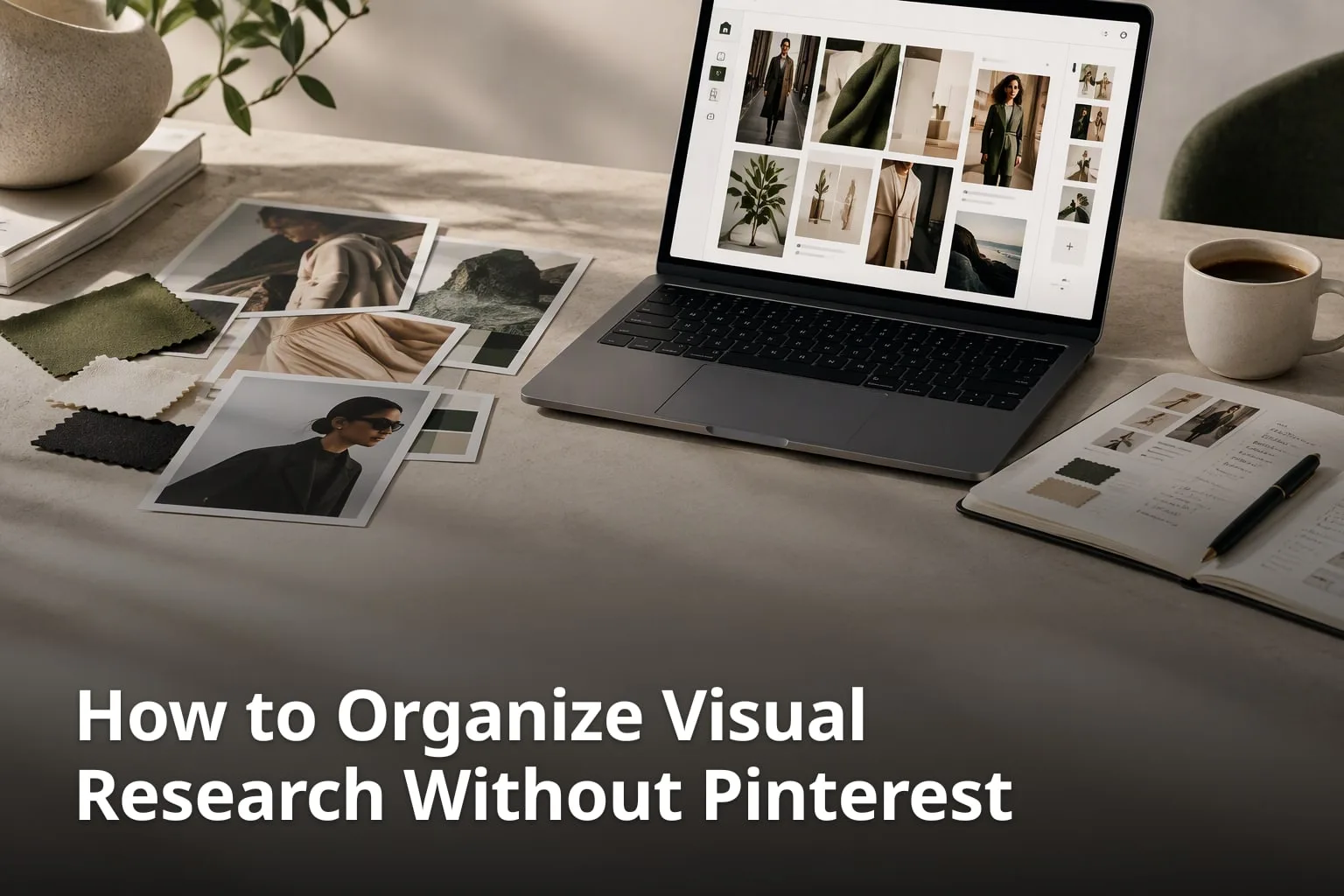
Pinterest is a familiar place to save images, but a growing research project needs more than a pile of pins. You need a way to group references, compare them, talk about them with other people and carry the result into real work. This article covers how to organize visual research when Pinterest is not the right fit, which options exist, and where Enterall, a visual workspace for apparel and fashion teams, can fit in. Everything stated about Enterall is taken from its own website.
What are the key takeaways?
- Visual research gets easier to manage when each project has one home, a clear structure and a short naming habit.
- Pinterest supports group boards, so the reason to look elsewhere is usually workflow, not the lack of sharing.
- Enterall is built for apparel and fashion teams and combines boards, AI image tools and invited collaborators.
- Enterall's AI work runs on credits, and the free plan includes 200 credits one time.
- Check any tool against your own process before you move a whole archive.
What are the challenges of organizing visual research without Pinterest?
The main challenge is structure: images collected quickly rarely stay organized unless you decide up front how they will be grouped, named and reviewed. Moving away from Pinterest removes a familiar saving habit, so the replacement process matters as much as the replacement tool.
A common problem is that references pile up faster than anyone can sort them. A board with hundreds of images and no sections turns into a scrapbook, and finding the one reference you remember from last month takes longer than finding a new one. Another common problem is context. An image without a note about why it was saved, where it came from and what it is meant to inform becomes decoration. Teams also lose time when references live in one place, comments in a chat thread and decisions in a separate document.
A practical way to avoid this is to set up a few simple rules before you start collecting. Give each project its own board. Split the board into sections for themes such as colour, silhouette, material or mood. Add a short note to every reference that explains why it is there. Keep a record of the source of each image so you can credit it or check usage rights later. Finally, agree who is allowed to add, who is allowed to remove and when the board is reviewed.
What are the key challenges?
- References pile up without sections, so older ideas become hard to find.
- Images lose meaning when the reason for saving them is not written down.
- Feedback, decisions and references end up in different places.
- Source and usage rights are easy to forget when saving quickly.
- Several people adding material without rules makes a board messy.
How can Enterall help organize visual research for fashion teams?
Enterall describes itself as "The visual workspace for apparel and fashion teams." You bring references, sketches, colour palettes and notes together on a board, then use AI image tools to develop ideas on the same board and invite collaborators to work with you in real time.
On its home page Enterall says you can "Bring references, sketches, colour palettes and notes together on a board." The idea is that early inspiration and the work that grows out of it sit in one place rather than in separate folders. You can upload sketches, product photos and reference images, and you can download images from your board when you need them elsewhere.
Enterall's documentation also describes boards as places to collect images, text and documents, arranged on a shared canvas. For research, that means a reference photo, a written note and a draft document can sit next to each other on the same surface. The site does not describe the canvas as infinite, so treat the canvas as a shared working area and test how it feels with a real project before you commit.
What does Enterall offer for visual research?
- Boards that hold references, sketches, colour palettes and notes.
- Uploads of sketches, product photos and reference images.
- AI image tools for rendered concepts, colourways, materials and packshot-style images.
- Editing of an existing image to develop a detail or try another direction.
- Invited collaborators, plus a share link with view or edit permissions.
What can the AI image tools in Enterall do?
According to the Enterall home page, the AI image tools can turn sketches into rendered concepts, explore colourways, change materials, combine references, build outfits and create packshot-style images. You can also edit an existing image to develop a specific detail or try another direction.
For research, the useful part is that variations stay near the references that inspired them. A designer who pins a fabric photo and a silhouette sketch can try a different colourway of the same idea and keep the original beside it for comparison. The result is a visible trail of how an idea changed, which is easier to discuss with a team than a folder of exported files.
AI results should be treated as drafts. Enterall's terms state that "AI results may contain errors, may resemble other outputs, and do not guarantee accuracy." Review generated images before you rely on them or use them commercially, and keep your original references so you can check what the generated version borrowed from.
On ownership, the terms say "You retain your rights in content you upload" and "Enterall does not claim ownership of your generated images." That is Enterall's statement of its own position. It does not replace checking usage rights for third-party images you collect as references, which is a separate question for any tool.
What are the key features of Enterall for fashion workflows?
The features below come from the Enterall home page and documentation. Anything not listed there is not claimed here.
- AI tools for turning sketches into concepts and exploring colourways and materials.
- Tools for combining references and building outfits.
- Packshot-style image creation.
- Boards that bring references, sketches, palettes and notes together.
- Collaborators who work together in real time.
How does Enterall support collaboration in visual research?
Enterall lets you invite collaborators to work together in real time and lets you turn on a share link with view or edit permissions. Its MCP guide also lists comments on board shapes among the capabilities of a connected assistant.
Collaboration on research usually breaks down when people cannot tell what has changed or who decided what. A shared board helps because everyone looks at the same references rather than at copies sent by email. Using a share link with view permission lets a reviewer look without changing anything, while edit permission suits someone who needs to add or rearrange material.
The MCP guide adds that Enterall can list collaborators and grant access when permitted, and that a connected assistant can read board content and history and restore earlier board versions. The guide says access is limited to what your Enterall account can already reach, so permissions on the assistant side follow your own account.
Whatever tool you use, a few habits keep shared research useful. Name the board after the project and the season or brief. Put new material in an inbox section and sort it at a set time. Write a one-line reason on each reference. Decide in advance who has the final say on the direction so comments lead to a decision rather than an endless thread.
What are the collaborative tools in Enterall?
The collaboration options described on the Enterall site are listed below.
- Invited collaborators who work on a board together in real time.
- A share link with view or edit permissions.
- Comments on board shapes through the MCP assistant connection.
- Listing collaborators and granting access when permitted.
- Reading board history and restoring earlier versions through the MCP connection.
What are the alternatives to Pinterest for organizing visual research?
The realistic alternatives are to use Pinterest differently, to use a shared workspace built for your kind of work, or to build a simple system from the files and documents you already use. None of them is right for everyone, and the choice depends on how many people take part and what you do with the research afterwards.
Pinterest itself is more capable for teams than many people assume. Its help centre explains that "To create a group board, invite friends to one of your existing boards" and that "As the owner of a group board, you decide what your collaborators can do on your board." Owners can choose, for example, "Save and comment" so collaborators can save and organize Pins, comment and react, or "Do (almost) everything" so collaborators can add, move and delete Pins and sections. If your group already works on shared Pinterest boards and it works, there may be no reason to leave.
People look elsewhere for other reasons. Some want references kept next to sketches, notes and documents in a private project space. Some want to generate or edit images in the same place as the research. Some simply prefer to keep a project separate from a public social feed. A shared drive with a clear folder structure, a spreadsheet that records sources, and a presentation file for the final direction can also work well for a small team, with the trade-off that you maintain the structure by hand. Enterall is one option for teams working in apparel and fashion who want boards and AI image tools together.
What are the key points about Pinterest alternatives?
- Pinterest supports group boards with owner-set permissions.
- Leaving Pinterest makes sense when you need a different workflow, not only sharing.
- A shared drive, a source spreadsheet and a presentation file can work for small teams.
- A visual workspace such as Enterall keeps references, sketches and AI image work on one board.
- Test any option with one real project before moving an archive.
How do boards, documents and an AI assistant fit together in Enterall?
Enterall boards can hold images, text and documents, and Enterall can connect to an AI assistant through MCP so the assistant can work with your boards, documents and canvas with your permission. The connection is free, but image generation uses your credits.
The MCP guide summarizes the connection as letting you "Find your boards, work with documents, organize references, and develop images on your canvas." It lists searching and reading boards, adding text and images, creating frames, moving, resizing and grouping shapes, and applying layouts. It also lists generating or editing images placed on the canvas.
For documents, the guide says an assistant can "Create documents, prepare generation or rewrite plans, and apply document plans," and it advises reviewing proposed content before it is applied. That review step is worth keeping as a habit: treat anything an assistant drafts as a proposal that a person approves.
Sign-in for the connection uses OAuth, so you do not give the assistant your password, and you can revoke access in Settings under Connected apps. A free Enterall account is required. The guide does not describe tables or presentations, so if your process depends on those, plan to produce them in the tools you already use.
What are the key features of Enterall's workflow connections?
- Boards that collect images, text and documents on a shared canvas.
- Document creation, with generation or rewrite plans applied after review.
- An MCP connection that lets a compatible assistant work with boards and documents.
- Access that is limited to what your Enterall account can already reach.
- Access that you can revoke in Settings under Connected apps.
Who is Enterall built for?
Enterall is built for fashion and apparel designers, from independent creatives to teams. That is how its home page describes the audience, and the product features it lists are about sketches, colourways, materials, outfits and packshot-style images.
A designer working on a collection might start a board with mood references, sketches and a colour palette, then explore colourways of a core garment and keep the variants beside the original. Because the AI tools can change materials and combine references, the same board can show how a fabric idea or a styling direction developed from the first inspiration.
A small team can use the invitation and share-link options so that colleagues can follow the work in progress. Someone who only needs to look can be given a link with view permission, while a teammate who is building the board can have edit permission.
If you work in another field, such as architecture, industrial design or photography, check carefully before relying on Enterall. The site does not describe features for those fields, and this article does not claim them. A short trial with a free account on a real project will tell you more than any feature list.
What are the key points?
- Enterall's home page names apparel and fashion teams as its audience.
- Fashion designers can explore colourways and materials from a sketch or reference.
- Packshot-style images are among the AI image tools listed.
- Teams can invite collaborators or share a board by link.
- Other fields should test the product before relying on it.
What does Enterall cost?
Enterall has a Free plan, Starter and Pro plans billed monthly, and a custom Enterprise plan. Its pricing page shows prices in DKK and says the Free plan includes 200 credits one time, Starter costs 150 DKK per month with 1,000 credits a month, and Pro costs 500 DKK per month with 6,000 credits a month.
AI work uses credits. The pricing page states that unused credits do not roll over, that Starter and Pro renew monthly, and that the Enterprise plan is set up with sales assistance and has custom credits. It lists USD, EUR and DKK as currency options and says the currency and exact amount are confirmed before payment. Prices and plan details can change, so read the current pricing page before you decide.
When you compare costs with Pinterest or with a shared-drive setup, count your own time as well as the subscription. A free option that nobody maintains can cost more than a paid one that the team actually uses. Start on the Free plan, run one real project and see how many credits the AI work consumes before choosing a paid plan.
What are the key pricing points?
- Free plan: 200 credits one time.
- Starter plan: 150 DKK per month with 1,000 credits a month.
- Pro plan: 500 DKK per month with 6,000 credits a month.
- Unused credits do not roll over.
- Enterprise: custom credits and a sales-assisted setup.
How can a team organize visual research without Pinterest?
Give each project one board, split it into sections for themes such as colour, silhouette and material, and write a short reason on every reference. Record the source of each image, decide who can add and remove material, and review the board at a regular time. These habits work in any tool, including a shared drive or a visual workspace.
Can Pinterest be used for team research?
Yes. Pinterest group boards let a board owner invite collaborators and set what they can do, from "Save and comment" to "Do (almost) everything". Whether it fits depends on whether you also need sketches, notes, documents or AI image tools in the same place.
How do collaborators work together in Enterall?
According to the Enterall site, you can invite collaborators to work together in real time and turn on a share link with view or edit permissions. The MCP guide also lists comments on board shapes among the capabilities of a connected assistant.
Which teams is Enterall designed for?
The Enterall home page describes it as "The visual workspace for apparel and fashion teams" and says it is for fashion and apparel designers, from independent creatives to teams. Teams in other fields should test it on a real project first.
What can the AI image tools in Enterall do?
According to the Enterall home page, they can turn sketches into rendered concepts, explore colourways, change materials, combine references, build outfits and create packshot-style images. An existing image can also be edited to develop a detail or try another direction. AI work uses credits, and results may contain errors, so review them before use.
Does Enterall work with an AI assistant?
Through an MCP connection, a compatible assistant can find boards, work with documents, organize references and develop images on the canvas, limited to what your account can already reach. Sign-in uses OAuth, access can be revoked under Connected apps, and image generation uses credits.
Organizing visual research without Pinterest comes down to structure: one board per project, clear sections, a note on every reference, a record of sources and a shared rule for who changes what. Pinterest group boards can support a team, so the decision to move is about workflow. If you work in apparel or fashion and want references, sketches and AI image tools on one board, Enterall is one option, and its free plan lets you try it on a real project.