
How to Build a Connected Workspace Around AI Image Generation
Learn how to organize an AI image generation workflow on a connected Enterall board, from references and variations to feedback and deliverables.
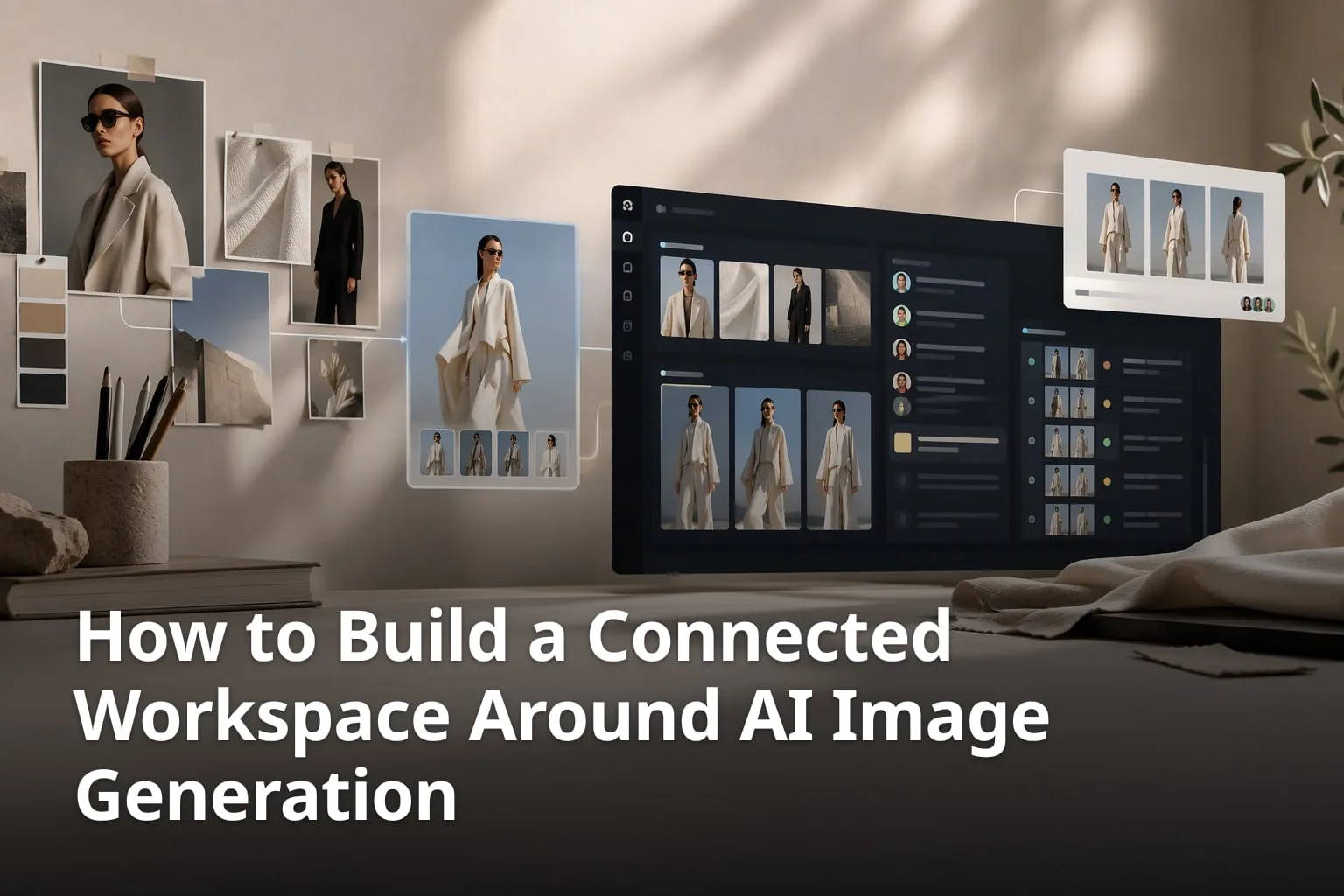
AI image generation makes it easy to produce many visual options, but those options only help a team when they stay connected to the references, decisions and feedback behind them. A connected workspace keeps all of that in one place. This guide explains how to set one up, step by step, and shows where Enterall's boards, AI image tools and sharing features fit into the process.
What is a connected workspace for AI image generation?
A connected workspace brings every stage of AI image work, from the first references to the final deliverables, into one shared environment. Instead of keeping references in one folder, generated images in another app and feedback in message threads, the team works from a single place where each image stays tied to the material, notes and comments around it. That context is what lets a team explain why a direction was chosen, not only what it looks like.
What are the key details to consider?
- Keeps references, variations and feedback together in one place.
- Supports collaboration across creative and production roles.
- Preserves the link between a result and the references it came from.
- Makes it easier to move from ideation to creation to presentation.
- Cuts down on back-and-forth when sharing and reviewing AI-generated visuals.
How can a connected workspace improve collaboration?
When references, iterations and feedback sit in one place, everyone reviews the same material. Contributors can see the current state of the work, comment on it in context and respond to each other, instead of piecing the story together from separate tools. In Enterall, you can invite collaborators to work together on a board in real time. The three steps below show how to set that up for an AI image project.
1. Define shared goals and outcomes.
Start by writing down what the AI image project is for: which images are needed, who will use them and when a decision is due. Share these goals with everyone who will contribute, so that each person knows what a good result looks like before the first image is generated. A short written goal is also something you can return to when feedback pulls the work in different directions.
2. Centralize all reference materials.
Gather sketches, product photos, color palettes, links and notes in one location before you generate anything. Enterall boards are built for this: they keep references, sketches, palettes and notes together, and you can upload your own sketches and product photos as starting points. Having the material side by side makes it easy to refer back to it throughout the workflow.
3. Enable real-time collaboration.
Invite the people who need to contribute and let them work on the same board at the same time. Enterall lets you invite collaborators to work together in real time, so a designer can add a new reference while a reviewer comments on an earlier image. Agree up front who is expected to add material and who is expected to review it.
Tip: Decide in advance who can only view the work and who can edit it. When you share a board by link, Enterall lets you choose whether viewers can only view or can also edit.
Why is organization important in AI image generation?
Organization lets a team manage references, follow progress and stay aligned from the first idea to the final image. Without it, AI image work tends to fragment: images end up in several places, versions get mixed up and the reasoning behind a choice is lost.
What are the key details to consider?
- Prevents loss of key references and context during the workflow.
- Makes it easier for team members and stakeholders to work from the same material.
- Helps generated images stay relevant to the brief, because the brief and references stay close at hand.
- Makes feedback and earlier iterations easy to find when a decision is due.
- Reduces duplicated effort by keeping a clear record of what has already been tried.
How does organization streamline AI workflows?
A structured workflow reduces repeated work and keeps a project moving. When AI-generated images are created in the context of the project goals and the reference material, they are easier for the relevant stakeholders to review. The steps below describe a simple structure that works for most image projects.
1. Create categorized boards.
Create a separate board for each project, as Enterall's documentation suggests, and group related boards in folders. Within a board, arrange material by theme, such as mood, color, material or stage of development. Categorization helps team members find the right references and outputs quickly.
2. Document iterations and feedback.
Keep a record of each image iteration and the feedback it receives. Enterall keeps earlier versions of a board in its version history, which you can review and restore, and comments stay attached to the material they concern. This transparency helps everyone understand how the project evolved and avoids rework.
3. Group and name items consistently.
Group related items on the board and give them clear, consistent names, for example by priority, type or stage. A consistent naming habit allows quick scanning and retrieval and saves time when a project grows beyond a handful of images.
Warning: Avoid over-categorization, which can complicate navigation and slow down workflows.
How can Enterall help streamline your AI image workflow?
Enterall is a collaborative visual workspace where creative teams collect references, develop and edit images with AI, and turn the same board into briefs, plans, presentations and shared client work. It keeps the image work connected to the planning and review that surrounds it, so a team does not have to rebuild context in several tools.
What are the key details to consider?
- Collect and organize visual references on boards. Boards keep references, sketches, palettes and notes together, so inspiration does not end up scattered across folders and apps.
- Generate and edit images with AI. Enterall's AI image tools can turn sketches into rendered concepts, explore colorways, change materials, combine references, build outfits and create packshot-style images, and you can also edit an existing image.
- Collaborate in real time. Invite collaborators to work together on a board, and use comments attached to the material to give and receive feedback in context.
- Connect boards to documents, tables and presentations. Board material can become a brief, a table or a presentation, so ideas and visuals carry over into planned work while the original visual context stays close.
- Share a board with a link. You choose whether viewers can only view or can also edit, so the same board can be used for internal work and external review.
Tip: Use Enterall boards to keep your visual references and AI-generated images together. When everyone works from the same board, the team sees the same direction throughout the project.
What are the key steps to organize your AI image generation workflow?
Organizing an AI image generation workflow comes down to three things: a clear structure, one place for your resources and a way for the team to give feedback. The five steps below take a project from first idea to delivery.
1. Define the purpose and scope of your project.
Start by identifying the goals of your AI image generation project. Decide what visuals are needed, who will use them and by when. Clearly defined objectives help the whole team work toward the same outcome, and they help you avoid unnecessary iterations or outputs that miss the brief. Write the goals at the top of the board or in a short document so they stay visible.
2. Create visual boards to collect and organize references.
Set up an Enterall board for the project and gather inspiration, sketches and other visual elements on it. Organize the items into categories such as color palettes, mood references or material ideas. A clear structure means everyone involved can find the resources they need without searching through scattered files. You can also upload your own sketches and product photos as the starting point for AI work.
3. Use AI tools to generate and refine image variations.
Use Enterall's AI image tools to create initial concepts from text prompts or from the references on your board, and to explore alternatives such as new colorways or materials. Then use the editing features to change specific details in a selected image. Review every result carefully: AI output can change small details, so check the image against your reference before you treat it as a direction.
4. Share boards for feedback and collaboration.
Invite collaborators to review your board, add comments and suggest changes. If external stakeholders need to give input, enable a share link and choose whether viewers can only view or can also edit. Comments that are attached to the material they concern keep the feedback specific and easy to act on.
5. Turn visual boards into actionable deliverables.
When a direction is agreed, turn the board material into the documents, tables or presentations the project needs. In Enterall, documents, tables and presentations can be built from the same board, so a brief or client presentation stays connected to the visual work behind it. Use these outputs to communicate decisions or to share finalized material with clients and stakeholders.
Warning: Avoid skipping the feedback stage. Review is what checks that the generated visuals match the brief and the project scope, and AI results should always be reviewed by a person.
How can teams collaborate effectively on AI image projects?
Effective collaboration on AI image projects depends on shared access to the material, feedback that is tied to the work, and a clear idea of who is responsible for what. The five practices below apply whichever tool you use, and the notes show how they map to Enterall.
1. Use shared boards to centralize project materials.
A shared board can act as a single source of truth, holding references, drafts and final outputs in one place. When everyone opens the same board, there is less confusion about which file is current, and the team can spend its time refining ideas rather than locating resources.
2. Use comments for feedback in context.
Feedback is most useful when it is tied to the thing it is about. In Enterall, comments are attached to the relevant material, and collaborators can be notified through mentions. This reduces long email threads and makes critiques specific, because the comment sits next to the image or document it concerns.
3. Agree on roles and responsibilities.
Clear role definitions help prevent duplicated effort. Decide who adds references, who generates images and who gives the final approval, and write it on the board. Enterall also lets you set read, write and administrative access levels, which helps align what people can do in the tool with the role they play in the project.
4. Maintain a clear record of iterations and decisions.
Tracking iterations and writing down decisions keeps the creative process transparent. Teams can revisit earlier versions and explain the reasoning behind design choices, which makes it easier to present work to stakeholders. Enterall's version history lets you review earlier saved states of a board and restore them.
5. Facilitate external reviews with share links.
Stakeholders outside the core team often need to see the work without taking part in it day to day. With an Enterall share link you can invite them to view, or to edit if you allow it, and you stay in control of what each link permits. Check the exact sharing mode before you promise a client a particular kind of access, because what a guest can do depends on how the board is shared.
What are the benefits of using Enterall for creative teams?
Enterall is meant to help creative teams keep their work connected, from the first reference to the finished direction, in a workspace built around visual material. The five points below describe what that means in practice.
1. Keep all project materials in one place for easy access.
Enterall's boards bring sketches, references, notes and generated images together in one place. This means the team can find the material it needs without searching across several platforms, and there is less risk of misplacing important project assets.
2. Support iterative workflows with AI image generation.
Enterall lets teams generate and refine images with AI on the same board as the references. Results can be compared beside the original, which helps the team choose a direction. Because AI output varies, keep a person responsible for reviewing each result before it is used.
3. Improve collaboration with built-in tools for sharing and feedback.
Teams can share boards and gather feedback directly on the material, so input is captured in the same place as the work. Collaborators can work together on a board in real time, and comments, mentions and notifications keep people informed of what needs a response.
4. Simplify the move from ideation to deliverables.
Enterall connects visual exploration with structured work. Board material can be turned into documents, tables and presentations, so a team can move from brainstorming to something it can review or deliver without rebuilding the context from scratch.
5. Maintain creative and visual context across all stages of work.
Enterall is designed to preserve the relationship between source material and results. Keeping references, generated images and decisions on one board lets teams revisit earlier stages and refine ideas without losing the thinking that led to them.
How does Enterall support the creative process?
Enterall supports the creative process with tools for collecting, creating, structuring and sharing work on one evolving board. The five steps below follow that path, from idea collection to final deliverables.
1. Collect references and inspiration.
With Enterall, teams can gather visual and written references in one place. Boards can hold images, links, sketches, notes and palettes, and you can import material from public Pinterest boards, so ideas stay connected to the project. Gathering the material in one place reduces the effort of searching across platforms.
2. Generate and compare image variations.
Enterall's AI tools can turn references into image variations. Teams can explore different styles, colors and materials and compare the results beside the original, which supports faster decisions about which direction to take. Processing times and limits can vary, so plan your schedule with some room.
3. Refine visuals with editing tools.
Once the AI has produced initial results, Enterall's editing features let you change a selected image, for example its colors, materials, background, styling, model or scenery. Check details such as trims, proportions and construction against your reference before using the result, because small details can change. The connection between early references and polished visuals stays on the board.
4. Collaborate using shared boards and comments.
Enterall's collaboration features let team members work on a board together, comment on the material and respond to each other's feedback. This keeps stakeholders aligned and keeps the discussion attached to the images it is about.
5. Turn ideas into structured deliverables.
Teams can use Enterall to create documents, tables and presentations from board material. The deliverables stay close to the visual context they came from, which helps when you move from ideation to production.
What are the limitations of AI image generation and how can Enterall help?
AI image generation has real limitations, such as variability between results and the need for human review. Small product, material, construction or text details can change from one image to the next. Enterall helps by giving teams one place to compare, annotate and refine outputs, but it does not remove the need for a person to check them.
1. Understand and review AI-generated results.
AI tools can produce images with inconsistencies or errors, so every result should be reviewed. On an Enterall board you can place several outputs next to each other and next to the original reference, then leave comments on the details that need work.
2. Refine outputs iteratively with feedback.
Refine outputs in rounds. Comment on what needs to change, edit the image or generate new variations, and review again until the result matches the brief. This iterative approach pairs the speed of AI with human judgment.
3. Maintain connection between source material and results.
One common problem in AI workflows is losing the link between the original references and the generated images. Keeping references, notes, comments and AI outputs on the same board helps preserve that link.
4. Plan for operational limits.
Operational limits can apply to uploads, AI jobs, resolution and sharing, and Enterall's AI features run on credits under its plans. Check Enterall's pricing page for current plans and allowances, and plan the workload accordingly instead of assuming unlimited use.
What is the main advantage of using Enterall for AI image workflows?
It keeps references, AI image work, planning and feedback on one board, which makes it easier for teams to collaborate, stay organized and keep creative context.
Can Enterall be used for collaborative projects?
Yes. Collaborators can be invited to work together on a board in real time, and boards can be shared by link for team and client review. The exact access a guest has depends on how the board is shared.
How does Enterall handle feedback and revisions?
Teams can comment directly on the material in a board, compare variations beside the original and review earlier versions of a board through version history.
Which teams is Enterall designed for?
It is designed for creative teams, with particularly strong relevance to fashion, brand, ecommerce, product-content, campaign and production workflows. Creative directors, designers, stylists, producers and project leads all have a role on a shared board.
Does Enterall support non-visual deliverables like documents?
Yes. Documents, tables and presentations can be created from board material, so written and structured work stays connected to the visual context.
How does Enterall address the variability in AI-generated images?
Variability is handled with human review. Teams can compare, edit and comment on AI-generated images on the same board and review the result against the original reference. Small details can change between versions, so every output should be checked before it is used.
Written by Alex, CTO at Enterall.