
Enterall vs Notion: Where to Keep Scattered Creative Notes
How Enterall and Notion differ for gathering scattered references, screenshots and bookmarks, based on what each vendor publishes about boards, AI tools, sharing and plans.
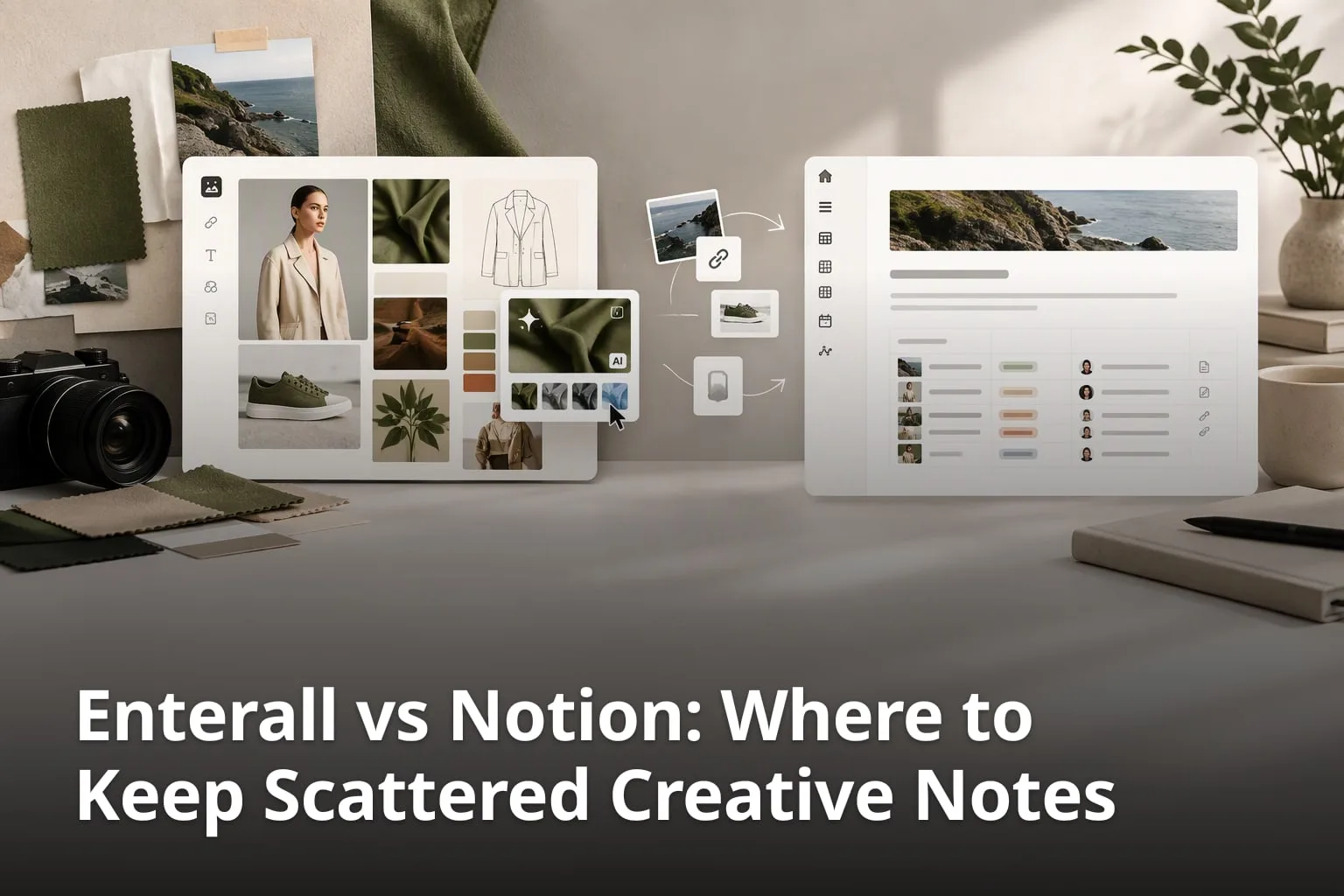
Ideas for a collection or a campaign often end up in several places at once: a Notion page, screenshots on a phone, a folder of bookmarks. This article compares Enterall and Notion as places to gather that material.
What are the key differences between Enterall and Notion?
Enterall presents itself as "The visual workspace for apparel and fashion teams", built around boards that hold references, sketches, color palettes and notes together. Notion's help pages describe pages and databases, and a database can be shown as a table, board, list, gallery, calendar or timeline.
| Feature | Enterall | Notion |
|---|---|---|
| Main workspace | Boards on a shared canvas for images, text and documents | Pages and databases, shown as table, board, list, gallery, calendar or timeline views |
| Collecting material | Upload sketches, product photos and reference images to a board | Web Clipper for Chrome and Safari, plus image, file and bookmark blocks on a page |
| Images | AI image tools, such as changing color and material or editing an existing image | Image blocks with captions, resizing and cropping; gallery view for visuals |
| AI features | AI image tools; an assistant such as ChatGPT, Codex or Claude can connect through MCP | Notion Agent, AI blocks, Research Mode, AI Meeting Notes and database autofill |
| Collaboration | Invite collaborators to work together in real time; share links with view or edit settings | Edits and comments appear in real time; access levels from Can view to Full access |
| Project tracking | Not described on Enterall's pages | Board, timeline and calendar views for databases |
What are the main points of the comparison?
- Enterall's docs describe arranging references on a shared canvas, and its home page describes boards for references, sketches, color palettes and notes.
- Notion's help guide says creative thinkers "use gallery view to put visuals front-and-center", so Notion does have a visual view for databases.
- Enterall's AI tools work on fashion images, while Notion's AI page lists agents, search, meeting notes, research and database features and does not mention image generation.
- Both products describe working with other people, and the two are built for different jobs.
- Neither vendor's pages say that the two tools connect to each other.
The practical difference is the starting point. Enterall starts from the image: a sketch, a product photo or a reference is placed on a board and developed with AI tools. Notion starts from the page and the database: you write, structure and view information in different layouts, and you can add images, files and bookmarks to a page.
That makes the choice less about which product is better and more about what your scattered notes mostly are. If they are mostly pictures that you want to compare and develop, a board is the closer fit. If they are mostly text, links and records that you want to filter and sort, a database is the closer fit.
How does Enterall help consolidate scattered creative notes?
Enterall lets you create a board for a project and bring references, images and documents together on a shared canvas. Its documentation says you can "Collect images, add text and documents, and arrange references on the canvas."
What can you put on an Enterall board?
- Sketches, product photos and reference images that you upload.
- Text and documents that you add and arrange next to the images.
- Color palettes and notes, which the home page lists as part of a board.
- Images made or edited with Enterall's AI tools, which you can download from the board.
For the problem in this article, the useful part is that the screenshots and the notes about them can sit on the same surface. A screenshot of a garment detail, a color palette and a few lines of text can be placed side by side instead of living in a photo roll, a bookmark folder and a document.
Enterall's home page also says that you retain your rights to the images you upload, and that it does not use your images to train AI models, with its AI providers not training on them by default. Enterall's legal page calls the product an early-stage SaaS product, which is worth knowing when you decide what to store in it.
What does Notion offer for collecting screenshots, bookmarks and notes?
Notion has several ways to bring loose material into one workspace: the Web Clipper for saving web pages, bookmark blocks for links, and image and file blocks for screenshots. Notion's help page describes the Web Clipper as a way to save "any web page off the internet to your workspace so you can read or edit it later."
How do you get material into Notion?
- The Web Clipper is a browser extension for Chrome and Safari; you choose a workspace and a page or database, and a database entry records the original address in a URL property.
- On iOS and Android, the mobile clipper uses the share sheet, and photos from the photo roll can be clipped too.
- Typing /bookmark adds a web bookmark, and typing /image adds an image that you can upload, embed from a URL or take from Unsplash.
- Typing /file adds a file that you upload or embed.
Notion's help page also lists limits. Formatting may vary because websites are built differently, some page content may be missing from a clip, and the mobile clipper only works for entire pages from the browser or for photos from the photo roll.
For notes that are mostly links and articles, this is a strong fit: every clip can become a database entry that you can tag, comment on and filter later.
How does Notion handle images and visual layouts?
Notion treats images as blocks on a page and offers gallery view for databases, so visual material has a place, although the layout follows the page and database model. Its help guide says that "Creative thinkers (like design teams!) use gallery view to put visuals front-and-center."
What can you do with an image in Notion?
- Add a caption by hovering over the image and clicking the caption icon.
- Resize it by dragging an edge guide, and align it left, center or right.
- Drag it into columns next to other blocks.
- Crop it or apply a mask shape from the menu.
These tools are enough for a reference page with a few images and notes. Notion's help pages do not describe a free-form canvas where you drag items anywhere, so they leave that open. If free-form arrangement matters to you, test it with your own material before you decide.
How does Enterall support fashion workflows?
Enterall's home page walks through six steps for AI tools, from a sketch to a packshot, and describes turning sketches into rendered concepts, exploring colorways, combining references, building outfits and editing an existing image to develop a specific detail.
What are the six steps Enterall lists?
- Bring a sketch to life.
- Change color and material.
- Refine the length and details.
- Create a tech pack.
- See it on a model.
- Create the packshot.
This is the clearest difference from Notion. Enterall's tools are built around apparel work, so a designer can keep the sketch, the color change, the model view and the notes about them on one board. The pages do not say how results compare with other tools or how long any step takes, so judge the output on your own sketches using the free plan.
How do Enterall's credits and plans work?
Enterall uses credits for its AI tools, and the credit use depends on the tool and the output chosen. Its pricing page lists four plans, with prices shown in DKK, and the home page says the product is free to start with no credit card required.
What do Enterall's plans include?
- Free: 0 DKK, with 200 credits included once.
- Starter: 150 DKK per month, with 1,000 credits a month, billed monthly.
- Pro: 500 DKK per month, with 6,000 credits a month, billed monthly.
- Enterprise: custom pricing, with credits set for your team and a sales-assisted setup.
According to Enterall's pricing page, Starter and Pro renew monthly and unused credits do not roll over. The page does not list per-plan features or limits on collaborators, so ask Enterall if the number of collaborators matters for your team.
What do Notion's plans cost and include?
Notion's pricing page shows per-member prices in US dollars, and AI access differs by plan. Prices and plan contents change, so check the page before you buy.
What do Notion's plans include?
- Free: $0, including a trial of Notion AI with document generation and database autofill.
- Plus: $10 per member per month with monthly billing, with the same AI trial as Free.
- Business: $20 per member per month with monthly billing, including Notion Agent, AI Meeting Notes and Enterprise Search (Beta).
- Enterprise: custom pricing, with everything in Business plus zero data retention with Notion AI's model providers.
The two price lists are not directly comparable: Enterall prices in DKK and in credits that are spent on AI outputs, while Notion prices per member in US dollars. If you only need a place to store notes and images, compare the free plans first.
How do Enterall and Notion handle collaboration?
Both describe working with other people. Enterall says you can invite collaborators to work together in real time and enable a share link for a board with settings that let people view or edit. Notion says edits, comments and suggestions made by other people appear in real time, and that you can assign different access levels to different people.
What do the vendors say about sharing?
- Enterall: invite collaborators, or enable a share link for a board with view or edit settings.
- Enterall's MCP guide lists commenting on board shapes and listing collaborators among the actions a connected assistant can perform.
- Notion: one page says "You can edit the same block as someone else at the same time."
- Notion: access levels are Full access, Can edit, Can comment and Can view, and you can invite people outside the workspace as guests by email.
The pages do not show how either product handles a client who only needs to look at a board. Both describe view-level access in some form, so test with a real reviewer if that is your use case.
Can Enterall replace Notion for task management?
Enterall's pages do not describe task management, so they give no basis to call it a replacement for Notion's. Notion documents board, timeline and calendar views for databases.
Notion's help guide says "Project managers love the drag-and-drop functionality of board view" and that "Timeline view helps you visualize the length of projects and get ahead of upcoming deadlines." Enterall's pages describe a different job: gathering and developing visual material.
A simple split works for many teams: keep schedules, owners and status in a tool built for tracking, and keep references and visual development on a board. Neither vendor documents a link between the two, so any hand-off would be manual, such as pasting a board's share link into a task.
How can you consolidate scattered notes, screenshots and bookmarks?
Pick one home for each kind of material, move everything from the old places in one pass, and delete or archive the originals so the new place stays the only source. The steps below work with either tool.
What steps help you consolidate?
- List where material lives now: note apps, photo roll, screenshots folder, browser bookmarks, chat messages.
- Decide what each item is: a visual reference, a written note, a link or a task.
- Send visual references to a board and links and written notes to a page or database.
- Name or tag items as you move them, so that you can find them later.
- Set one rule for new material, such as everything goes into the project board first.
- Review after a week and remove what you did not use.
If you are unsure, move one real project into each tool and work on it for a few days. The free plans of both products let you try this without paying, according to their pricing pages.
Frequently asked questions
Short answers to common questions about using Enterall and Notion for creative notes.
Is Enterall or Notion better for creative notes?
It depends on the material. Enterall's pages describe boards for images, sketches, color palettes and notes, with AI tools for fashion images. Notion's pages describe pages and databases with many views, plus image blocks and a gallery view.
Can Enterall organize text-based notes like Notion?
According to its docs, you can add text and documents to a board and arrange them next to images. The docs do not describe database views, filters or sorting of notes.
Does Enterall support task management like Notion?
The vendor's pages do not describe task management. Notion documents board, timeline and calendar views for tracking work.
What types of creative work does Enterall support?
Its home page lists sketch to rendered concept, color and material changes, length and detail refinements, tech packs, model views and packshots, all aimed at apparel and fashion teams.
Does Notion have AI tools?
Yes. Notion's AI page lists Notion Agent, Custom Agents, Enterprise Search, AI Meeting Notes, Research Mode, AI blocks and database autofill. The page does not mention image generation.
Can Enterall and Notion be used together?
Neither vendor documents a direct connection between them. They can still be used side by side, with the work split by hand between a board and a Notion page.
Can an AI assistant connect to Enterall?
Yes. Enterall's MCP guide names ChatGPT, Codex and Claude as supported clients, and says the client must support remote MCP with OAuth. Availability depends on the client, the plan and organization settings.