
Enterall vs FLORA: AI Visual Workspaces for Fashion Teams Compared
A sourced comparison of Enterall and FLORA for fashion and apparel teams, covering AI garment tools, tech packs, collaboration, pricing and data use.
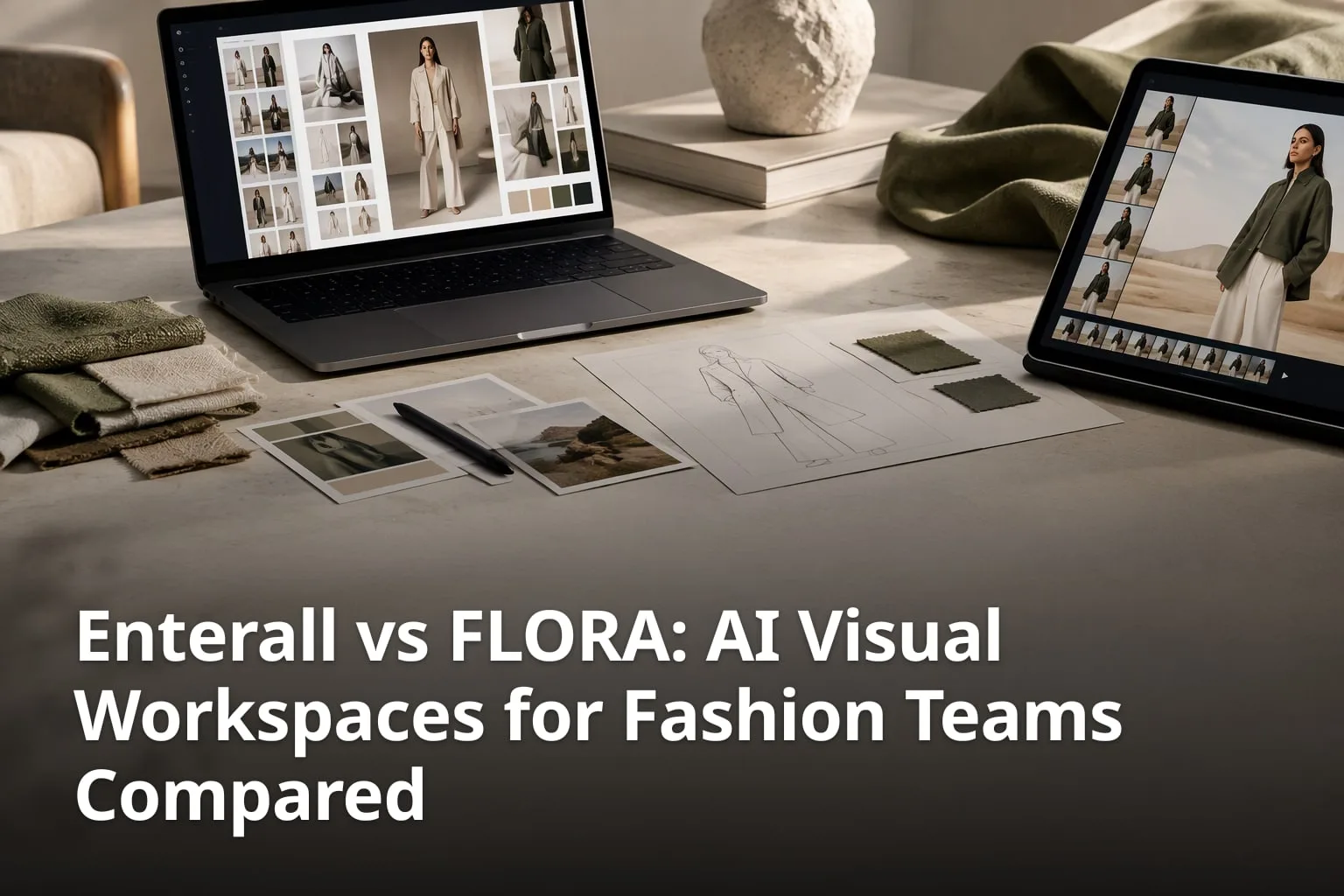
Enterall and FLORA both use AI image generation to help fashion teams move from a sketch to finished visuals, but they start from different places. Enterall describes itself as a visual workspace for apparel and fashion teams, organised around boards. FLORA describes itself as a generative AI canvas for creative teams across many industries, and it has added a dedicated Fashion Studio for apparel work. This comparison sets out what each company publicly says its product does, what it costs and how to test both on your own designs before you commit. Every feature and price below comes from the two companies' own websites, checked in October 2026. Where one side does not describe a feature publicly, we say so instead of guessing.
What are Enterall and FLORA, in short?
Enterall is a browser-based workspace where fashion and apparel designers collect references, sketches, colour palettes and notes on a board and then develop them with AI image tools. FLORA is an AI canvas that brings many text, image and video models into one workspace, with a Fashion Studio that packages garment-specific tools for apparel teams.
The table below summarises the differences that the two public websites document. Prices and features change often, so check both pricing pages before you decide.
| Feature | Enterall | FLORA |
|---|---|---|
| What it is | A visual workspace for apparel and fashion teams, built around boards | A generative AI canvas for creative teams, with a dedicated Fashion Studio |
| Fashion AI tasks listed | Sketch to rendered concept, colourway and material changes, detail edits, outfits, on-model views, packshot-style images | Fashion Studio tools such as Sketch to Render, Garment Recolor, Fabric Swap, Flatlay, Ghostform, Model Try-On and Photo Shoot |
| Tech packs | Listed as a workflow step on the home page (Create a tech pack) | Listed as coming soon on the Fashion Studio page |
| Collaboration | Real-time collaboration and share links set to view or edit | Real-time collaboration, canvas comments and share links; editable sharing on paid plans |
| Presentations | Not described on the public site | FLORA Decks: slides built from the canvas, shared by view-only link |
| Free plan | 0 DKK, 200 credits once, no credit card | $0/mo, 1 seat, 3 active projects |
| Paid plans | Starter 150 DKK / month, Pro 500 DKK / month, Enterprise custom | Starter $18, Pro $50 and Max $200 per seat per month, Enterprise custom |
| AI assistant connection | MCP connection for ChatGPT, Codex and Claude | API and MCP access on paid plans |
What does Enterall's public site say it can do?
- Turn sketches into rendered concepts and develop them with AI image tools.
- Explore colourways and change materials on a design.
- Edit an existing image to develop a specific detail or try another direction.
- Combine references, build outfits and create packshot-style images.
- Keep sketches, product photos, reference images, colour palettes and notes together on a board.
- Invite collaborators in real time, or share a board by link with view or edit settings.
Enterall's home page walks through a six-step example built around a skirt: bring a sketch to life, change colour and material, refine the length and details, create a tech pack, see it on a model, and create the packshot. That sequence is the clearest public statement of what the product is for: taking one garment from a rough idea to an image you can show and a technical document you can hand on, while keeping the work on one board. The headline sums it up as "From sketch to tech pack", and the tagline promises colourways, scenes and fits "without a sample round". That last phrase is the company's positioning, not a measured result. How far AI visuals can replace a physical sample depends on your product, your fabrics and your factory.
Enterall says no AI experience is needed and that you can start in your browser. You add a reference or sketch and describe the change in plain language, such as trying a new colour or changing a fabric. You can upload your own sketches, product photos and reference images and use them as the starting point. Images you create can be downloaded for use elsewhere in your design workflow, and boards can be shared with your team for feedback.
Enterall also publishes a connection for AI assistants. Through its MCP server, a user can find and read boards, create private boards and documents, organise references and develop images from a compatible client, including ChatGPT, Codex and Claude. Enterall says it checks account permissions for every operation, that connecting and using the board, canvas, document and collaboration tools this way is free, and that image generation and editing use the account's existing credits.
What does FLORA offer fashion teams?
FLORA offers fashion teams two ways to work: a Fashion Studio with ready-made garment tools, and the open FLORA canvas for building custom workflows. Its fashion solution page describes the product as "AI fashion design, from concept to catalog", covering design, colorways, on-model imagery and campaign creative.
Which tools does FLORA's Fashion Studio page list?
- Concept, Sketch to Render, Ghostform and Flatlay for early concept work.
- Garment Recolor, Fabric Swap and Garment Extractor for refining a garment.
- Model Maker, Model Try-On, Garment Swap, Multi-Angle Shoot and Photo Shoot for on-model and campaign images.
- 360 Garment Video and 360 Model Video for rotating views of a garment or model.
- Review Mode for collecting comments and feedback on selected looks.
- Export to Shopify as product-ready assets.
The Fashion Studio FAQ says the studio currently includes fourteen tools and that they are designed to hand off to each other: a sketch becomes a render, the render is recoloured or given a new fabric, and the finished garment goes onto a model and into a campaign. Anything made in the studio can be opened in the wider canvas. The same page lists several tools as coming soon, including Tech Pack, PDP Shots, Moodboard Maker, Print Pattern, Trim & Patches, and an import and export tool for Dropbox, Drive, SVG and 3D files from CLO3D and Browzwear.
FLORA's own pages are not fully consistent about availability. The pricing page says Fashion Studio is included in every plan, the fashion solution page's FAQ describes it as being in enterprise beta, and the help documentation for the studio lists a shorter set of tools than the marketing page. If a specific tool matters to you, check that it appears in your account before you buy.
Beyond fashion, FLORA's home page lists solutions for e-commerce, creative agencies, media and entertainment, and technology teams. Its canvas puts text, image and video models in one place. The home page advertises "One plan. 50+ models." and names models such as Nano Banana Pro, Veo, Kling, FLUX and GPT Image. FLORA also offers Techniques, reusable workflows built by FLORA and creators, with fashion examples such as product recolor and print or pattern replacement. FLORA Decks turns canvas outputs into slide presentations, and API and MCP access are listed on paid plans. FLORA's documentation says its MCP server connects to clients such as Claude Code, Claude Desktop and Cursor.
How do the AI image tools compare?
Both products cover the core fashion image tasks: rendering a sketch, changing colour and material, and showing a garment on a model. FLORA publishes a longer list of named garment tools, plus multi-angle and 360-degree video options, while Enterall presents a shorter, step-by-step flow from sketch to tech pack and packshot inside a board.
On Enterall, the listed AI tasks are turning sketches into rendered concepts, exploring colourways, changing materials, combining references, building outfits and creating packshot-style images, plus editing an existing image to develop a specific detail. Its pricing page shows that credits can also be spent on short videos: it estimates outputs for 8-second videos at 720p, 1080p and 4K, with 4K not available on the Free plan.
On FLORA, the Fashion Studio tools are named by task. Garment Recolor, for example, is described as recolouring a garment while keeping its shape, texture and fit, and Fabric Swap generates the garment in a chosen fabric. Outside the studio, the canvas lets you chain models and steps together and save a workflow for others on the team to run. That flexibility suits teams with someone willing to build workflows, while FLORA says the studio itself can be used without training or node wiring.
Both companies describe output quality in their own words. FLORA, for instance, says garments, logos and details stay accurate across generations. These are vendor statements, not independent tests, and none of the pages we checked on either site points to an outside benchmark. The reliable way to compare quality is to run the same garment through both tools and look closely at the details that matter to a sample room or a product page, such as seams, prints, logos and proportions.
What should you test with your own designs?
- Render one of your own sketches and compare the result with the garment you had in mind.
- Change colour and fabric on the same design and check that the shape and construction hold.
- Edit one small detail, such as a hem length, and see whether the rest of the image stays the same.
- Put the garment on a model and check fit, drape and proportions.
- Produce a clean product image and judge whether you would use it on your own product page.
- Note how many credits or how much usage each task consumes.
How does each tool handle collaboration and sharing?
Both tools support real-time teamwork and sharing by link. FLORA documents more collaboration features publicly, including comments on the canvas and a review mode in Fashion Studio, while Enterall's public site describes real-time collaboration and share links that can be set to view or edit.
Enterall's FAQ says you can invite collaborators to work together in real time, or enable a share link for your board, and that sharing settings let you choose whether people with the link can view or edit it. That covers the common case of sending a board to a colleague, a photographer or a supplier for a look. The public site does not describe comment threads or approval steps, so if structured feedback matters to your team, ask Enterall what is available or try it on the free plan.
FLORA's documentation says several team members can work on the same file at once with changes visible in real time, that team members can leave comments on the canvas, and that projects can be shared by link or published to its community page. Its pricing page shows commenting on every plan, but project sharing is view-only on the Free plan and editable on paid plans, and real-time cursors start on Starter. For presentations, FLORA Decks lets you build slides from canvas outputs and send a view-only link that needs no login.
What collaboration questions should you ask?
- Can people outside the team view a board or deck without creating an account?
- Can you control whether a shared link allows viewing or editing?
- Where do comments and decisions live, and can you find them again later?
- Which collaboration features are on the plan you will actually buy?
- Can work be downloaded or exported in the formats your suppliers use?
Which tool goes further toward production documents like tech packs?
On the public evidence, Enterall does. Its home page lists "Create a tech pack" as step four of its workflow and uses "From sketch to tech pack" as its headline, while FLORA's Fashion Studio page lists Tech Pack as coming soon and its FAQ says tech pack export is coming next.
FLORA's own description of its planned tool, "A spec sheet a factory can actually read", is a good summary of the job a tech pack does. Because a factory works from it, an AI-generated draft is a starting point to check, not a finished specification. Enterall's site shows the tech pack step in its skirt example but does not publish a full list of what the document contains, so create one from your own sketch on the free plan, or ask Enterall for a sample, before you rely on it.
What should you check in a generated tech pack?
- Which fields the tool fills in and which you still complete by hand.
- Whether colour and material changes made on the board carry into the document.
- Whether measurements and construction notes can be added and edited.
- Whether the export format works for the factory or sample room you use.
- Whether the source sketch and final renders stay next to the document for reviewers.
FLORA's strengths sit more at the output end of the process. Its fashion page focuses on catalog and campaign imagery, with tools for on-model shoots, multi-angle images and 360-degree videos, a Shopify export, and batch runs that apply one approved look across every SKU, colour and size from a single setup. It also describes adapting a campaign look for every channel and localising it per market. If most of your workload is product and campaign imagery rather than development documents, those features may matter more to you.
How do pricing and free plans compare?
Both have a free starting point. Enterall sells monthly credit allocations and lets you view prices in USD, EUR or DKK on its pricing page, while FLORA prices per seat in US dollars, with a shared usage pool that grows as you add seats.
What do the published plans include?
- Enterall Free: 0 DKK, 200 credits once, no credit card needed.
- Enterall Starter: 150 DKK / month for 1,000 credits a month.
- Enterall Pro: 500 DKK / month for 6,000 credits a month. Enterprise is custom, with sales-assisted setup.
- FLORA Free: $0/mo for 1 seat (solo) and 3 active projects.
- FLORA Starter, Pro and Max: $18, $50 and $200 per seat per month on monthly billing. Enterprise is custom, for teams of 9+.
Enterall's pricing page estimates what the credits buy if a whole allocation goes on one type of output: about 18 standard images on Free, about 90 on Starter and about 545 on Pro. It notes that actual use varies, that Starter and Pro renew monthly and that unused credits don't roll over. It also says the price shown is what you pay and that VAT is not currently charged.
FLORA's Free plan lists up to 17 generations, with a footnote explaining that the figure is based on an average Nano Banana 2 cost of $0.151 per image, capped at $2.50 of total usage. Paid FLORA plans draw from a pooled budget metered at published model rates, so the cost of a task depends on the model you choose, and FLORA says you can see the dollar cost of every generation by project and by member. Quarterly billing is listed at 10% off and annual billing at 20% off.
FLORA's Fashion Studio FAQ adds that paid plans start at $18 per seat and cover up to eight seats, with Enterprise priced separately.
Because one product charges per seat and the other sells credit allocations, the cheaper option depends on your team size and how many images you make. A solo designer and a growing team will get different answers, so estimate a normal month of real work on both pricing pages instead of comparing headline prices.
What do Enterall and FLORA say about ownership and AI training?
Both companies say you keep the rights to your work and that your uploads are not used to train AI models, with some differences in wording.
Enterall's FAQ says you retain your rights to the images you upload and that Enterall does not claim ownership of your generated images. It says it does not use your images to train AI models and that its AI providers don't train on them by default. Its legal and security page adds that some personal data may be processed outside the EU or EEA by service providers, relying on mechanisms such as the European Commission Standard Contractual Clauses where GDPR transfer rules apply, and that enterprise customers can request a DPA and a subprocessor list.
FLORA's documentation says you retain full ownership of the assets you upload, that uploaded files, prompts and metadata are not used to train or fine-tune models by FLORA or its infrastructure and model partners, and that you own the rights to generated outputs, with no usage or commercial limits tied to plan tiers. It says enterprise plans add SSO and further legal documentation such as a DPA.
What should you confirm before uploading unreleased designs?
- Who owns uploads and generated images under the terms you accept.
- Whether any AI provider can train on your images, and whether that protection is a default setting or a contract term.
- Where your data is processed and which subprocessors are involved.
- How deletion works for boards, uploads and generated files.
- Which documents, such as a DPA, are available on your plan.
Which tool fits which kind of fashion team?
Enterall suits teams that want one board-based place to take a garment from sketch to tech pack and packshot. FLORA suits teams that want a wide choice of models, catalog and campaign imagery at scale, slide decks and the option to build custom workflows.
A small label or independent designer who mainly needs to visualise new styles, try colourways and fabrics, and prepare development documents may prefer Enterall's focused flow. Its Free plan needs no credit card, and its paid plans are monthly credit allocations. A brand with an e-commerce or content team that produces on-model images for every colourway, adapts campaigns for several channels or markets, or presents work in slides will find more of those features documented on FLORA's site.
You do not have to choose on reputation. Both products have free plans, so the most reliable comparison is a short trial with the same few garments in each tool, judged by the people who will use it every week.
How can you run a fair side-by-side trial?
- Pick two or three real styles from your current collection, each with a sketch and a reference image.
- Run the same tasks in both tools: render, recolour, change fabric, put on a model and make a product image.
- Share the results with one colleague or supplier and see how easy the review is.
- Record the credits or usage each run consumed and estimate a normal month.
- Ask each vendor about anything you need that its public site does not describe.
FAQ
What is the main difference between Enterall and FLORA?
The focus. Enterall is a board-based visual workspace built for apparel and fashion teams, with a workflow that runs from sketch to tech pack and packshot. FLORA is a generative AI canvas for creative teams in many industries that also offers a dedicated Fashion Studio for apparel work.
Can Enterall create garment-only product images?
Yes. Its site says the AI tools can create packshot-style images, and its example workflow ends with a step called Create the packshot.
Does FLORA have tools built for fashion?
Yes. FLORA describes its Fashion Studio as a purpose-built set of AI tools for apparel design and production, with tools such as Sketch to Render, Garment Recolor, Fabric Swap and Model Try-On.
How do the two tools support collaboration?
Both support real-time collaboration and sharing by link. Enterall lets you choose whether a shared link allows viewing or editing. FLORA documents comments on the canvas, a review mode in Fashion Studio and view-only links for decks.
Can either tool create a tech pack?
According to its home page, Enterall includes a Create a tech pack step in its workflow. FLORA's Fashion Studio page lists Tech Pack as coming soon. Check the current state of both before relying on either for production.
Is there a free way to try both?
Yes. Enterall's Free plan includes 200 credits once and needs no credit card. FLORA's Free plan costs $0/mo and includes 1 seat and 3 active projects.
Do Enterall or FLORA train AI models on my uploads?
Both say no. Enterall says it does not use your images to train AI models and that its AI providers don't train on them by default. FLORA says uploaded files, prompts and metadata are not used to train or fine-tune models by FLORA or its partners.
What are the sources?
Which sources support these claims?
- Enterall home page and FAQ, https://enterall.co
- Enterall pricing, https://enterall.co/pricing
- Enterall MCP connection, https://enterall.co/mcp
- Enterall legal and security, https://enterall.co/legal
- FLORA home page, https://flora.ai
- FLORA fashion solution, https://flora.ai/solution-fashion
- FLORA Fashion Studio, https://flora.ai/studio/fashion
- FLORA Decks, https://flora.ai/decks
- FLORA pricing, https://flora.ai/pricing
- FLORA docs, Collaboration and Sharing, https://docs.flora.ai/editor/collaboration-and-sharing
- FLORA docs, Data, Security and IP, https://docs.flora.ai/legal/data-security-and-ip
- FLORA docs, Fashion Studio, https://docs.flora.ai/studios/fashion-studio
- FLORA docs, MCP, https://docs.flora.ai/more/mcp